Section Templates Gallery
The AI HTML Widget includes a growing library of pre-made section templates you can apply to your BigCommerce storefront with a single click. After applying a template, use the AI chatbot to customize colors, text, images, and layout to match your brand.
This page showcases the Form Templates and Popup Templates collections. For the full library of 280+ section templates (hero banners, product showcases, testimonials, and more), open the Browse Blocks button inside the AI chatbot.
How to Use Templates
- Add the AI HTML Widget to your page in Page Builder
- Open the AI chatbot sidebar (purple AI button)
- Click Browse Blocks below the chat input
- Filter by category — select Form Templates or Popup Templates
- Preview any template with desktop, tablet, and mobile frames
- Click Use This Block to apply it to your widget
- Tell the AI what to customize: "Change the colors to match my brand"
For detailed instructions, see Pre-made Blocks Gallery.
Form Templates
22 professionally designed form templates for collecting customer information, processing requests, and driving engagement. Each form is fully responsive, accessible, and styled with modern design patterns.
All form templates use the BigCommerce GraphQL submitContactUs API — submissions are delivered to your store's contact email automatically. No third-party integrations required.
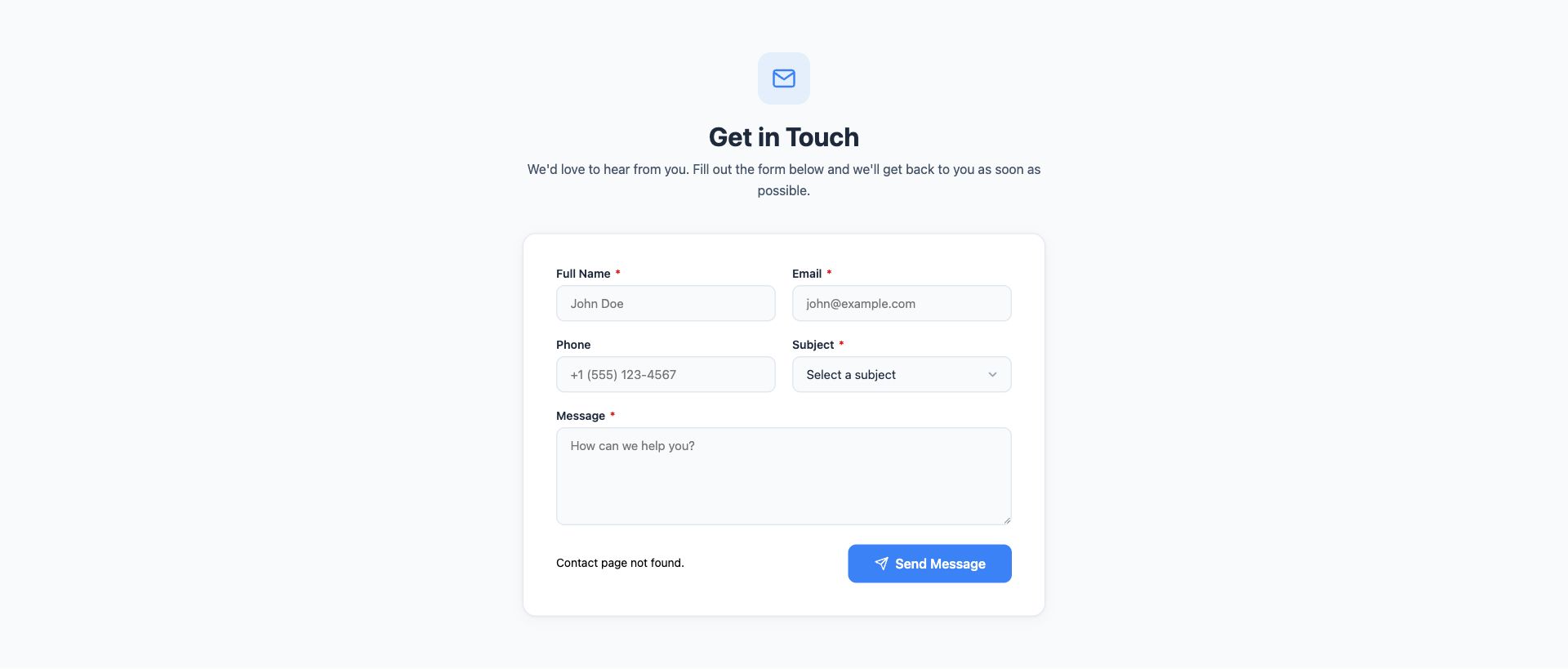
General Contact Form
Classic contact form with name, email, phone, subject dropdown, and message fields. Clean layout with field validation and success confirmation.
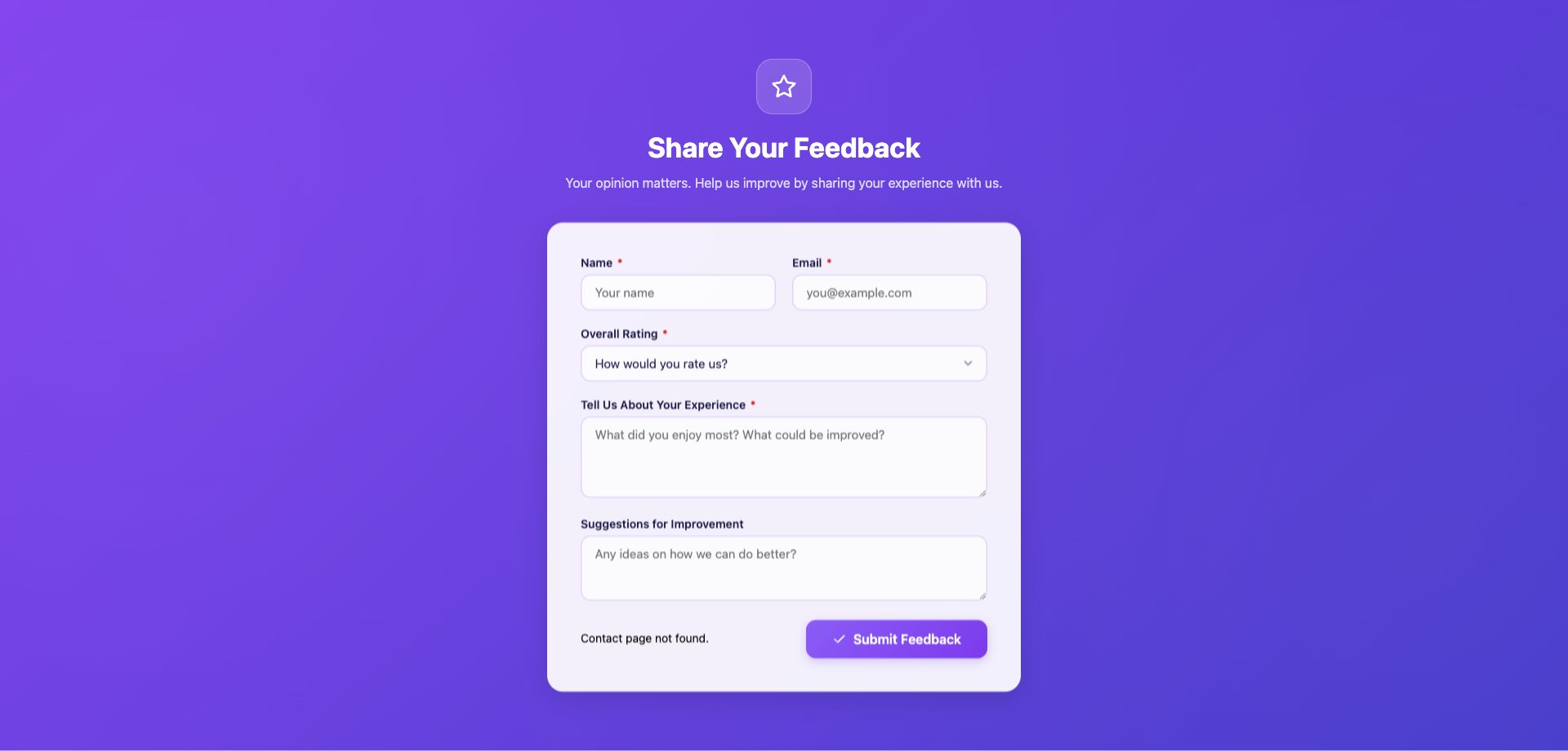
Customer Feedback Form
Customer satisfaction survey with star rating, experience categories, and open-ended suggestion fields. Ideal for post-purchase follow-up.
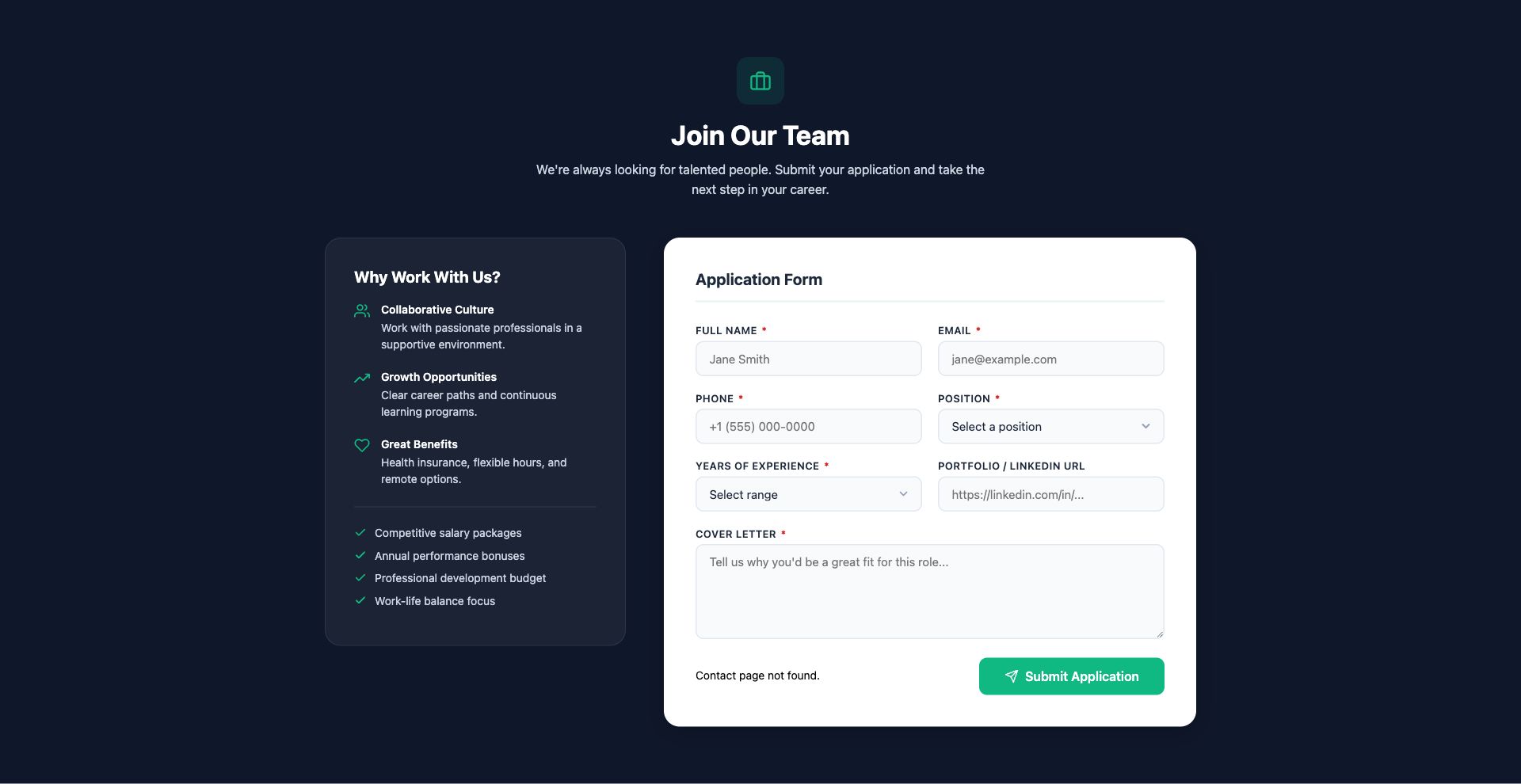
Job Application Form
Careers page form with position selection, experience level, availability, cover letter, and portfolio links.
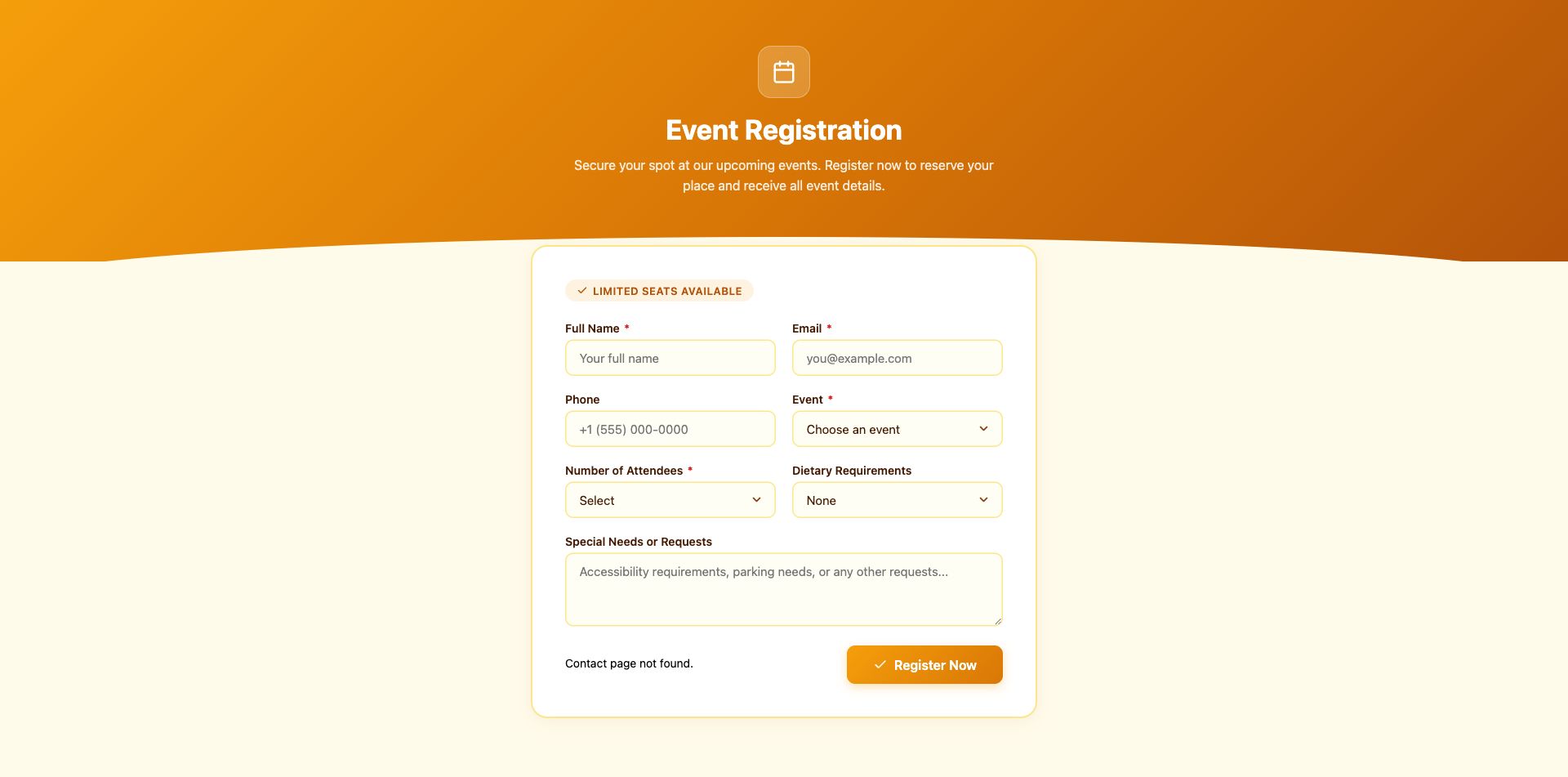
Event Registration Form
Event RSVP and registration with attendee details, ticket type, dietary preferences, and session selection.
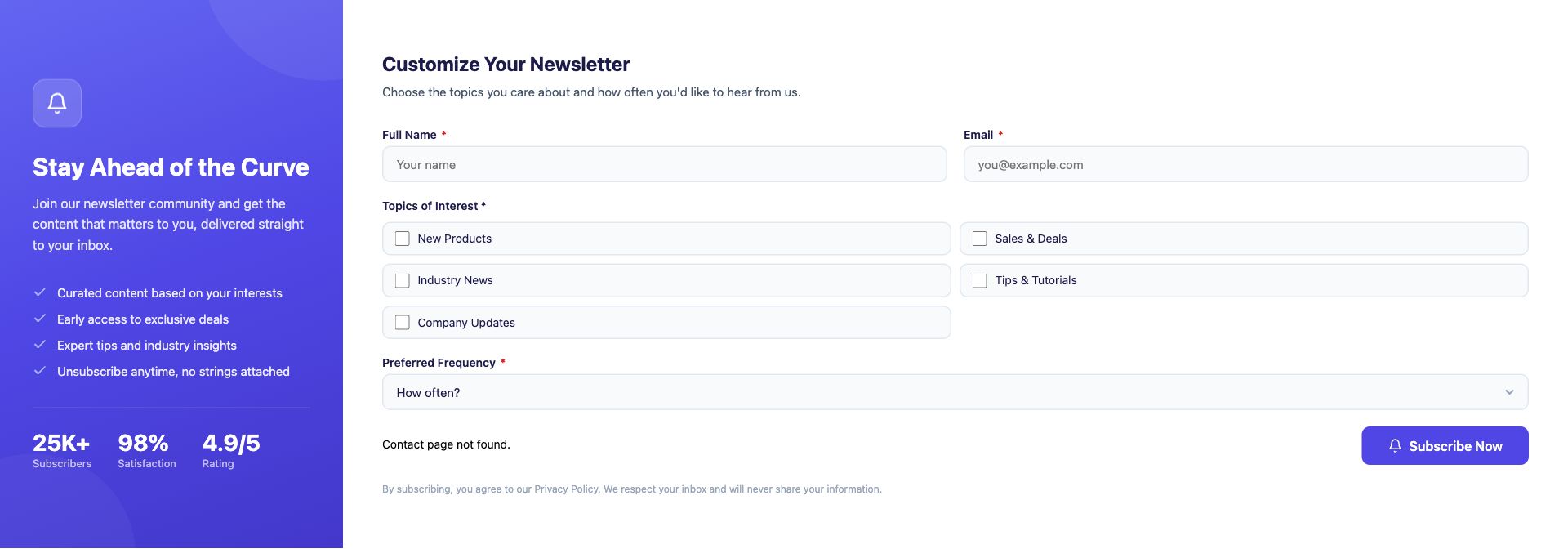
Newsletter Signup Enhanced
Advanced newsletter form with interest categories, frequency preferences, and incentive offer. Goes beyond a basic email field.
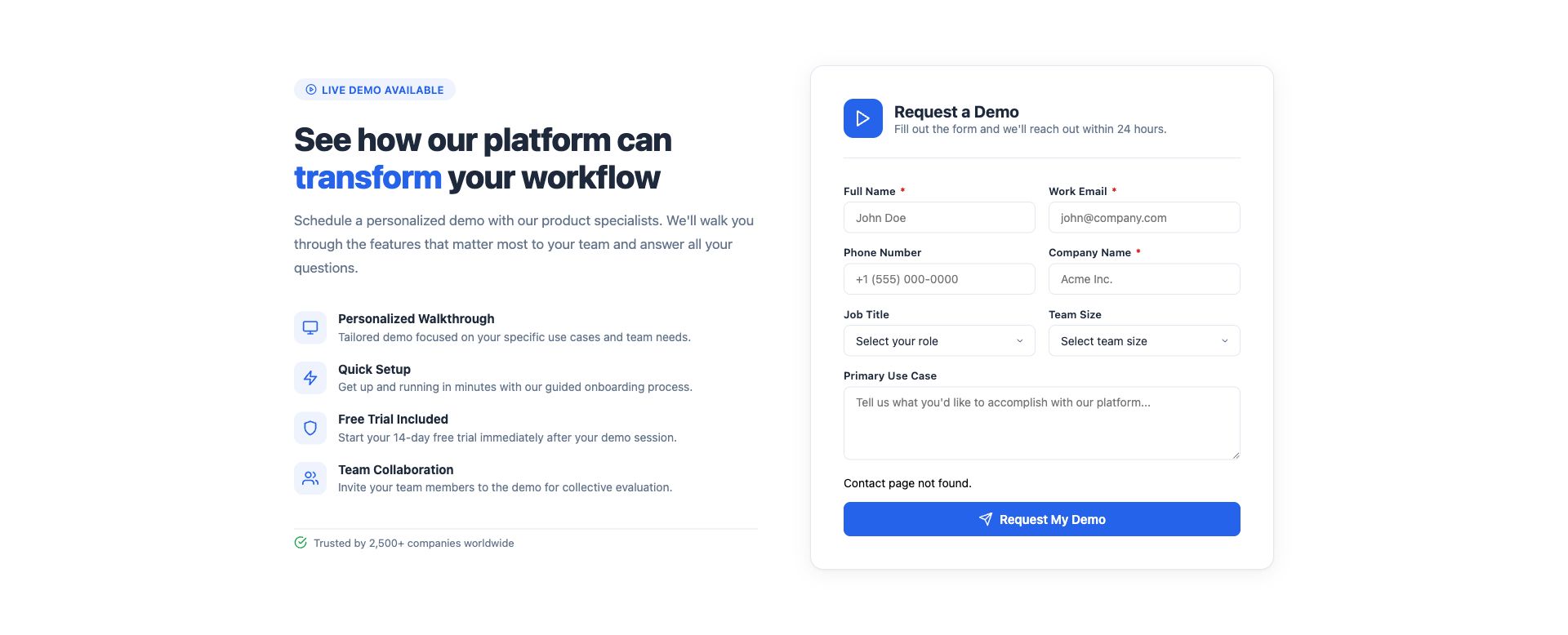
SaaS Demo Request Form
B2B demo request form with company details, team size, use case description, and preferred demo time.
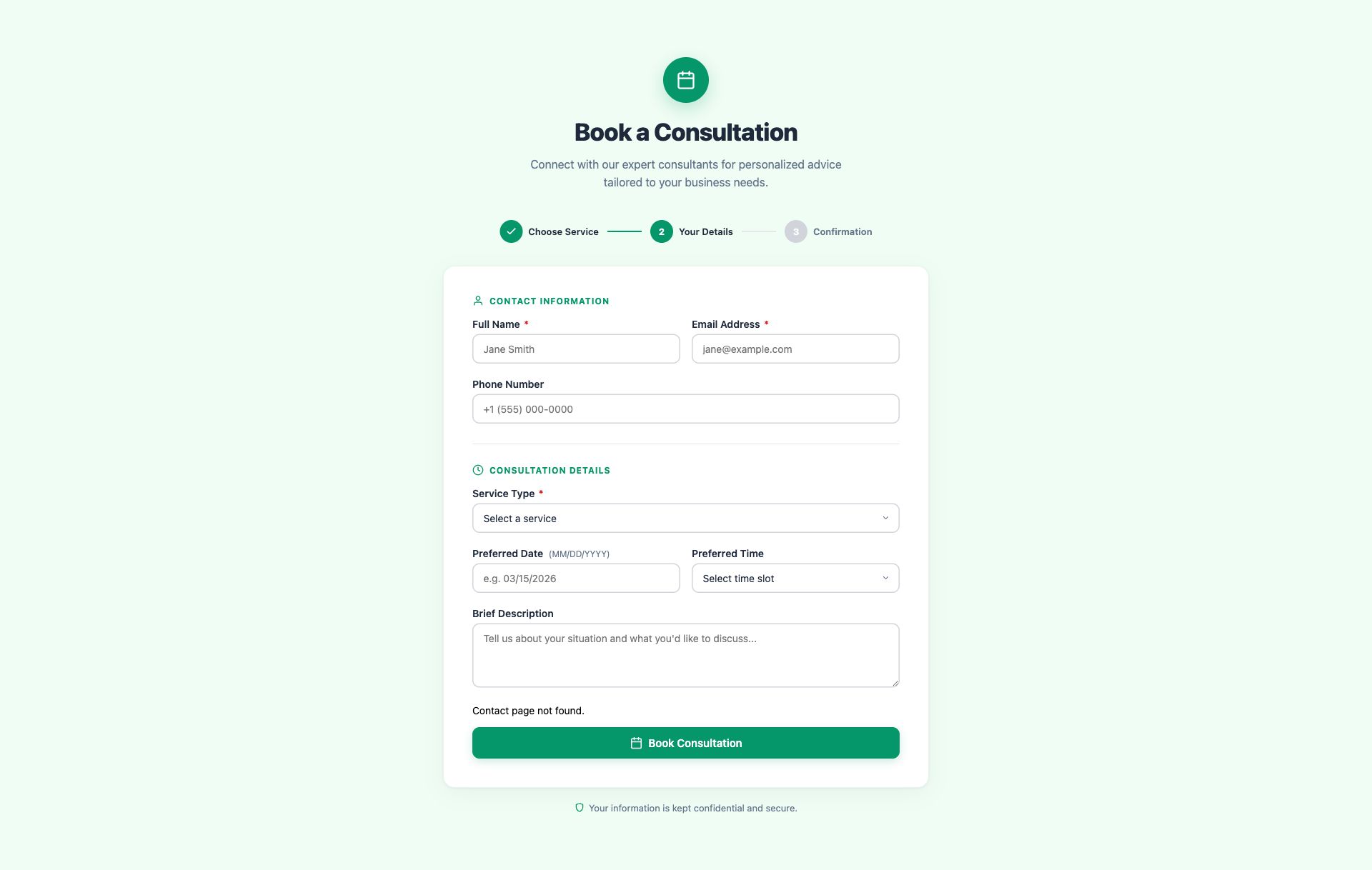
Consultation Booking Form
Service booking form with consultation type, preferred date/time, budget range, and project description.
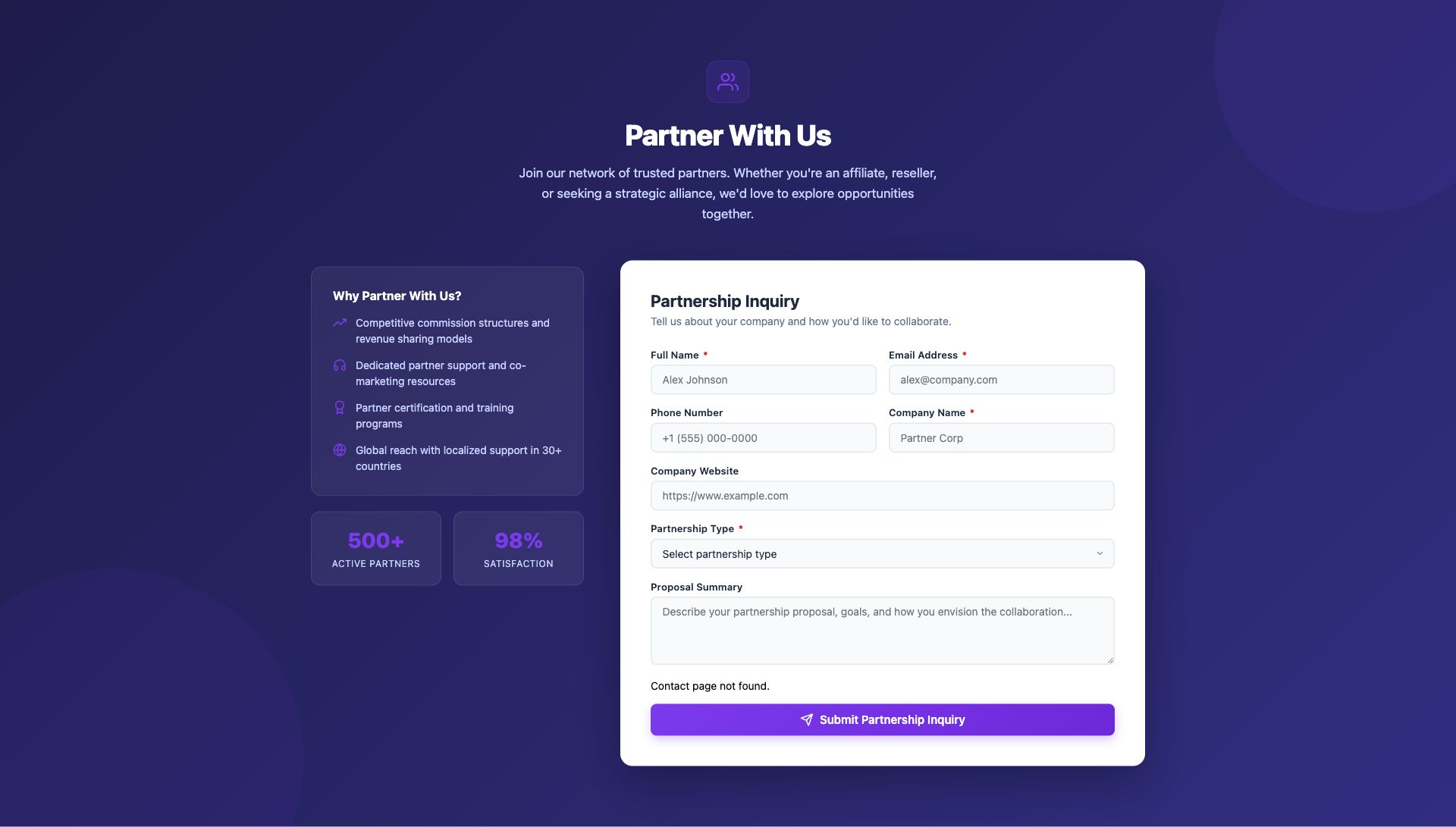
Partnership Inquiry Form
B2B partnership and affiliate inquiry with company profile, partnership type, and proposal details.
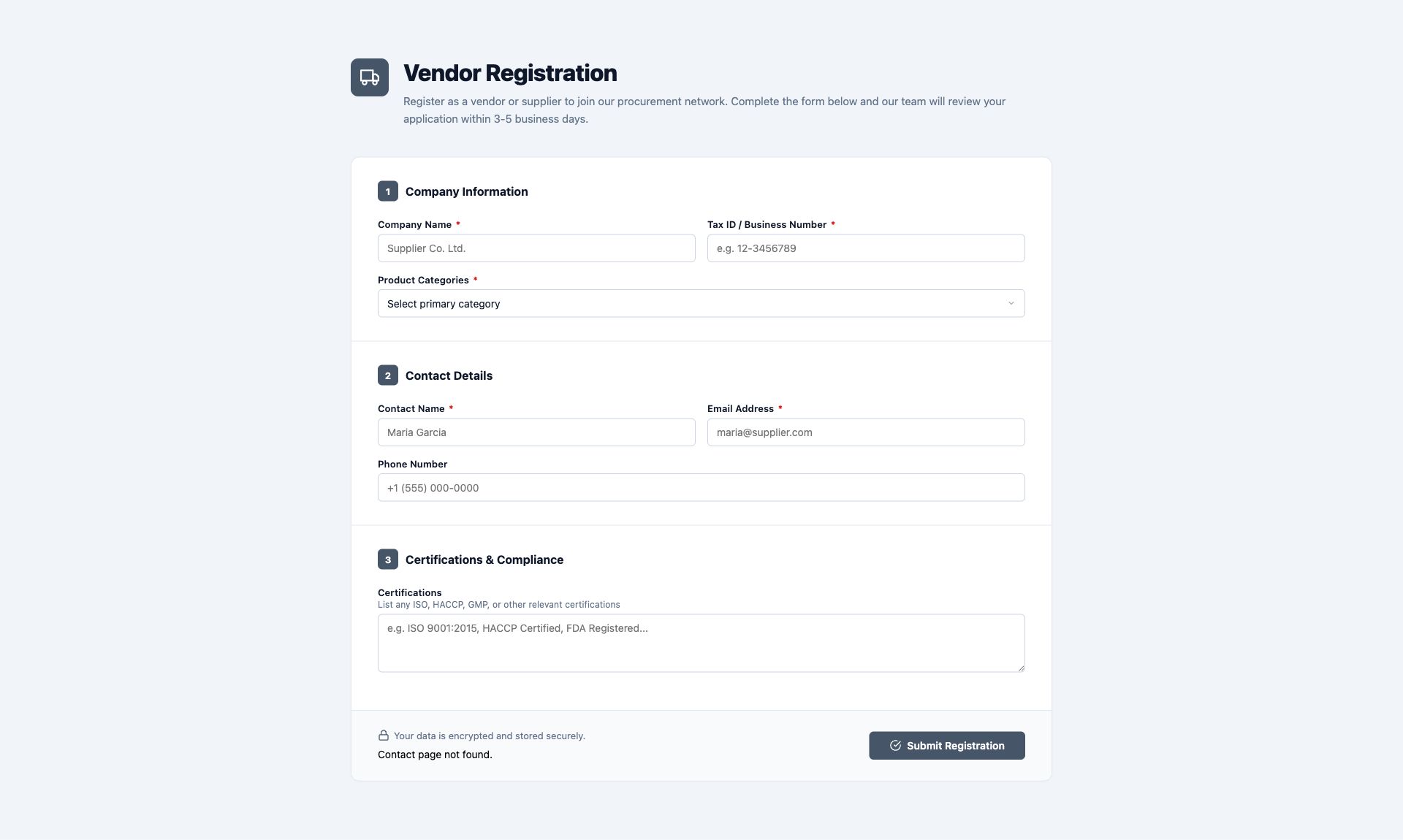
Vendor Registration Form
Supplier onboarding form with business details, product categories, tax ID, and certification uploads.
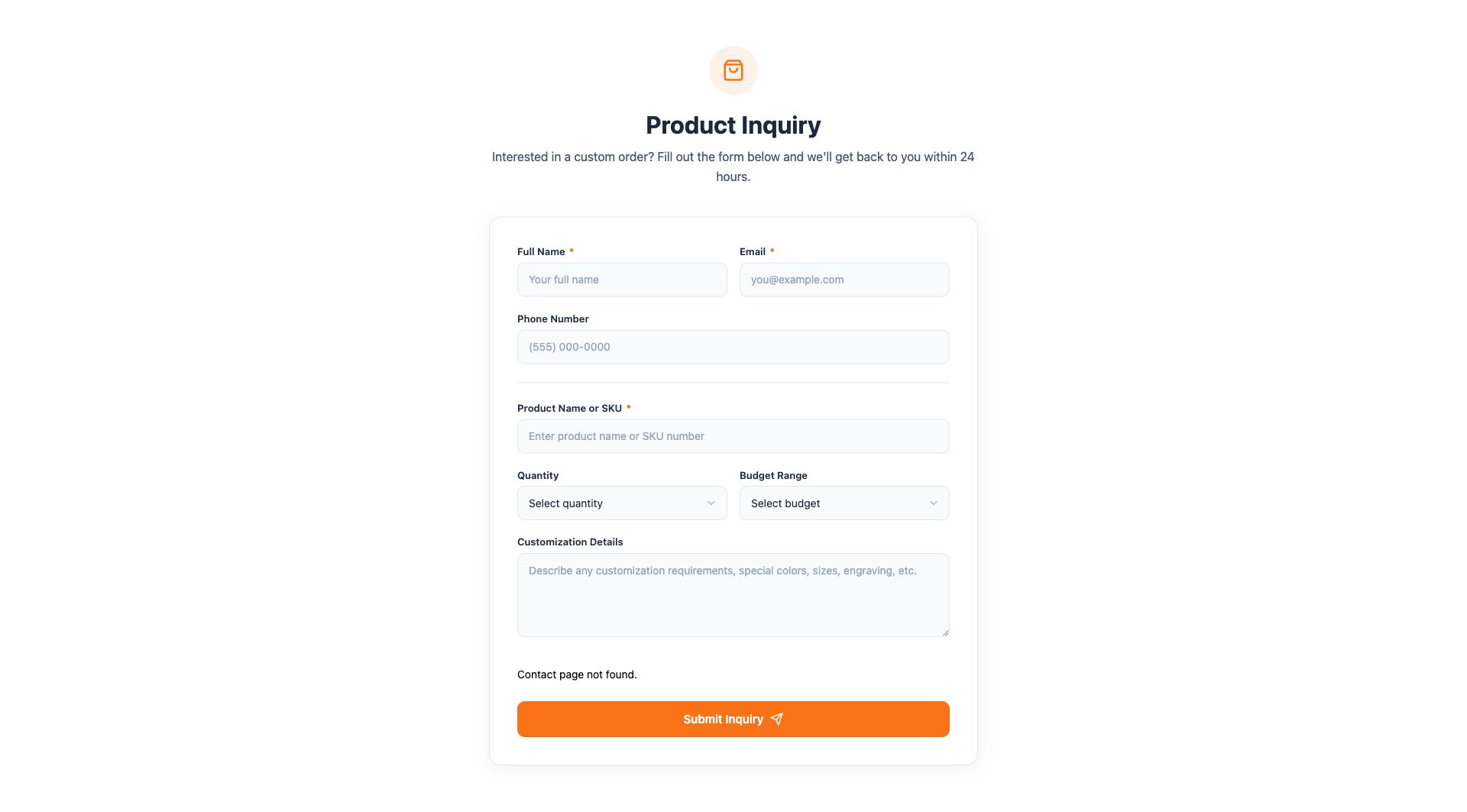
Product Inquiry Form
Custom order and product inquiry with SKU reference, customization options, quantity, and budget range.
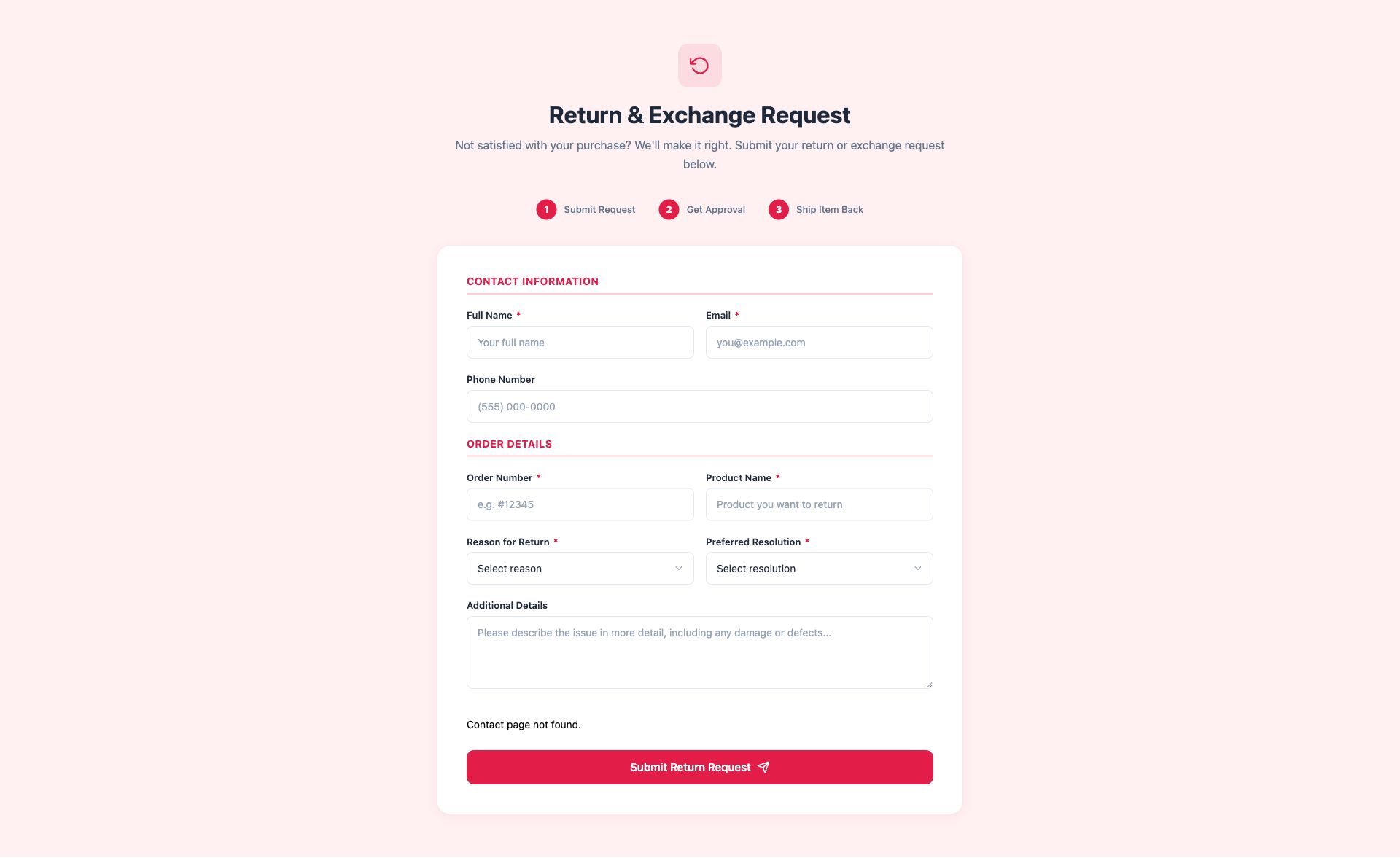
Return & Exchange Form
Post-purchase return/exchange request with order number, reason selection, and preferred resolution.
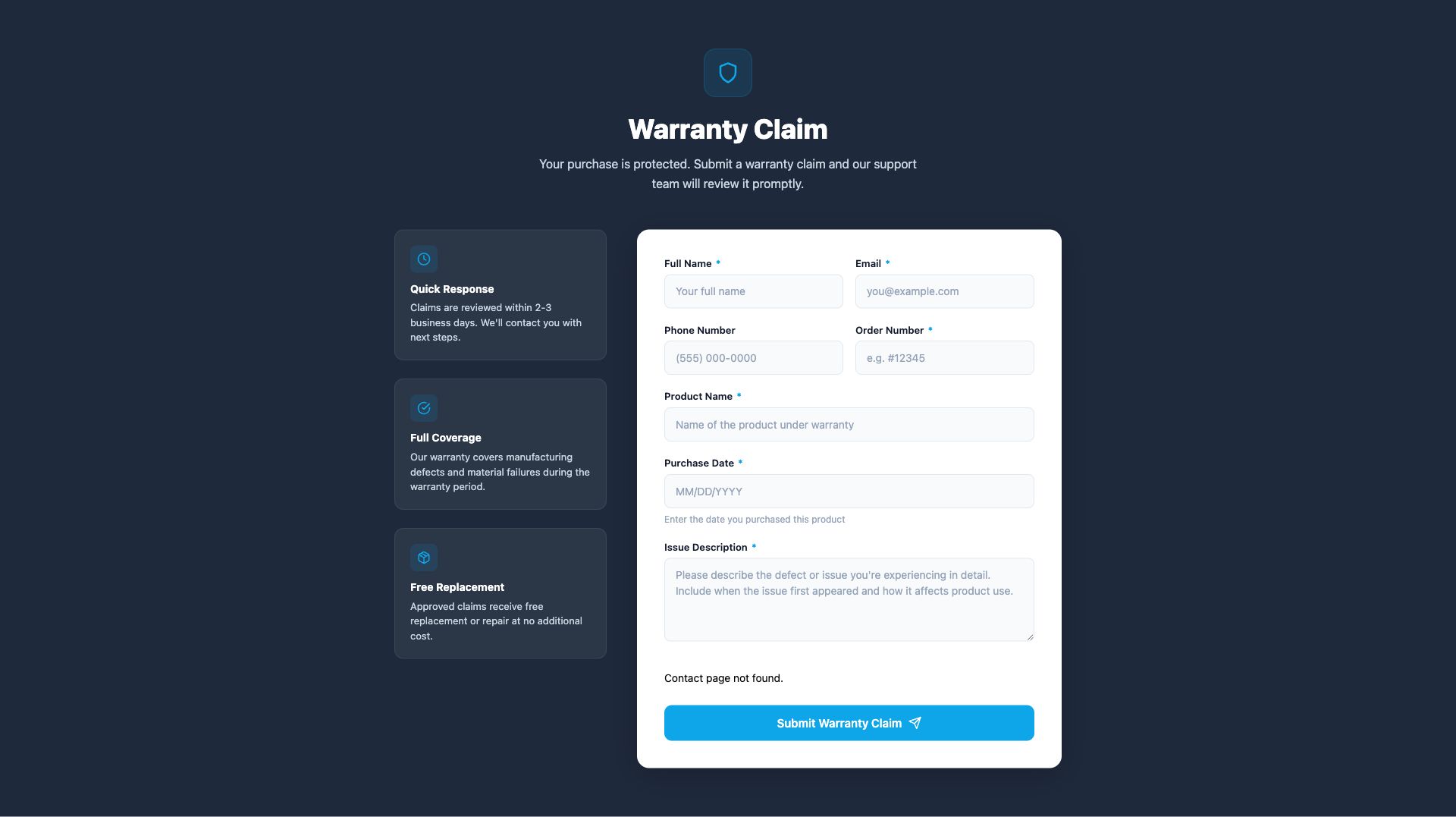
Warranty Claim Form
Warranty claim submission with product details, purchase date, issue description, and proof of purchase.
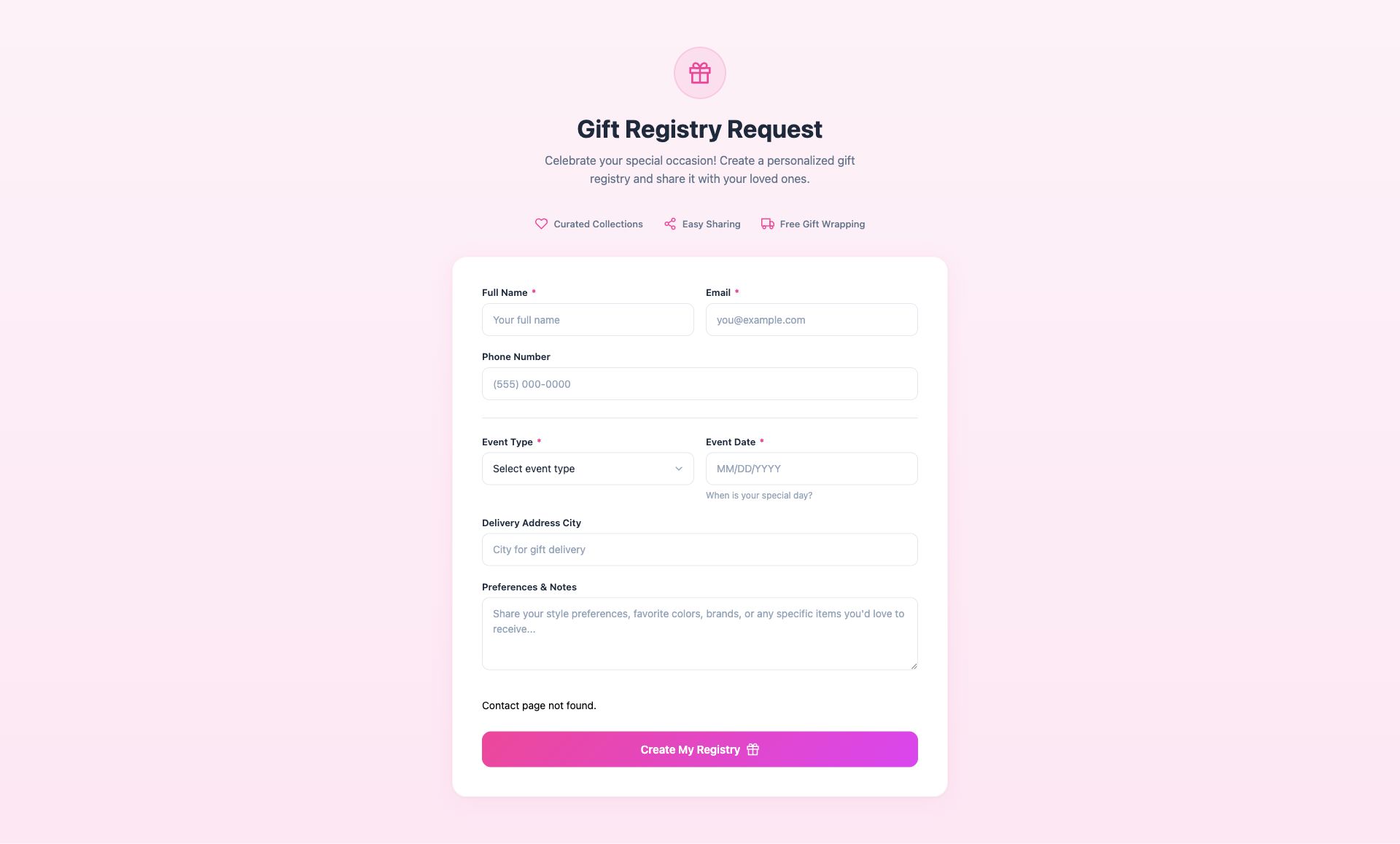
Gift Registry Form
Gift registry creation for weddings, baby showers, and events with date, preferences, and item categories.
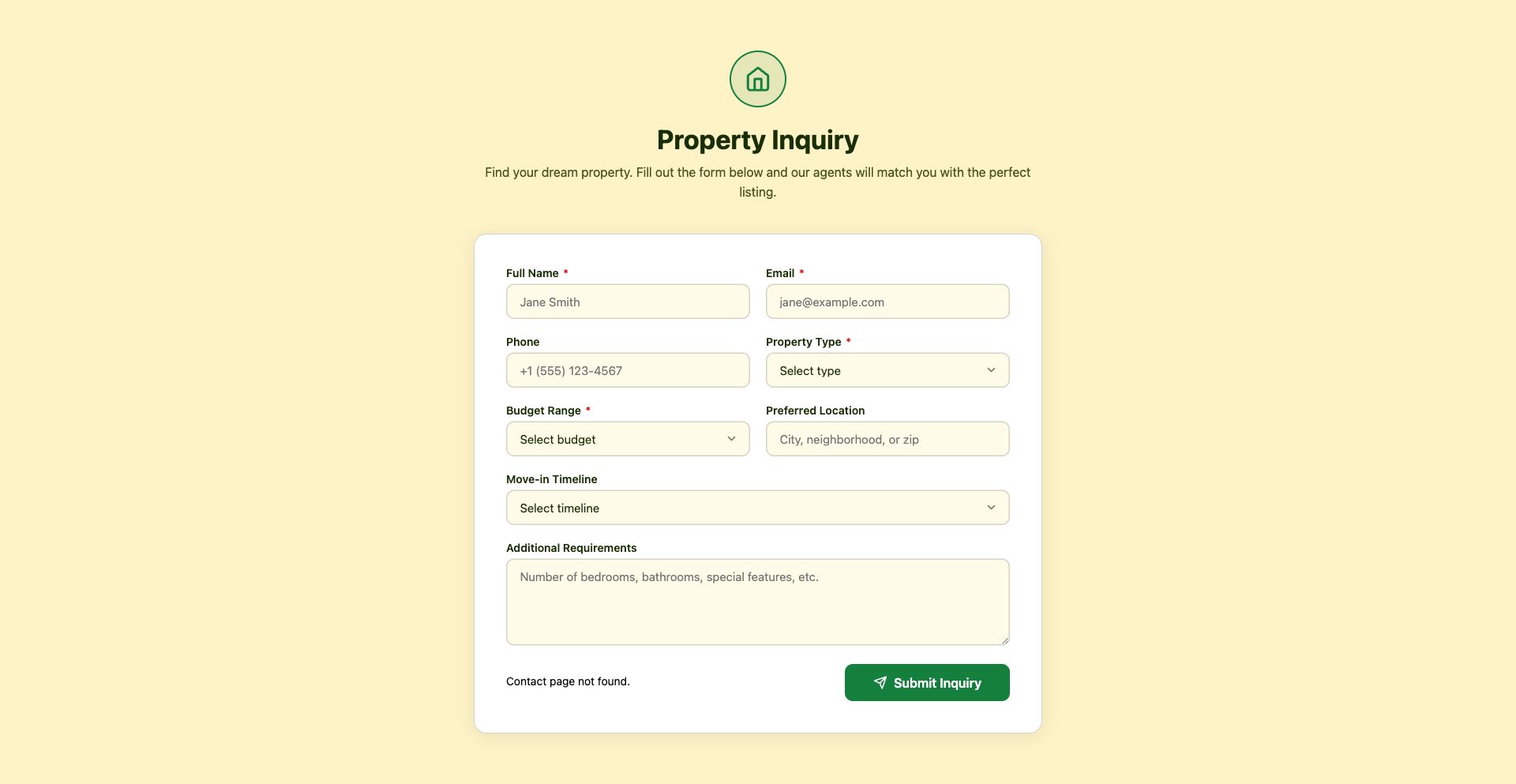
Real Estate Inquiry Form
Property inquiry with budget range, location preferences, property type, and move-in timeline.
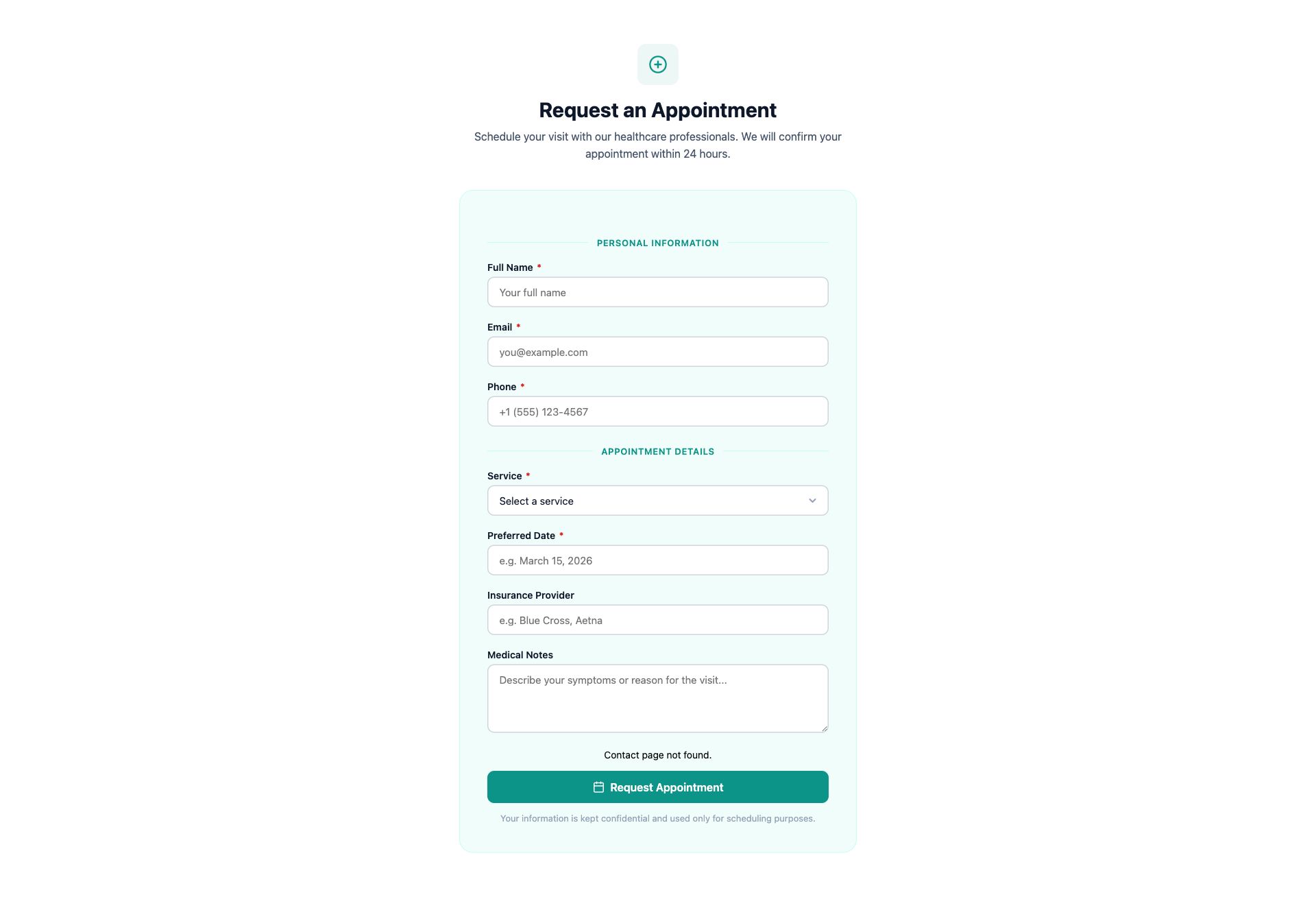
Healthcare Appointment Form
Medical appointment request with service type, insurance info, preferred provider, and medical notes.
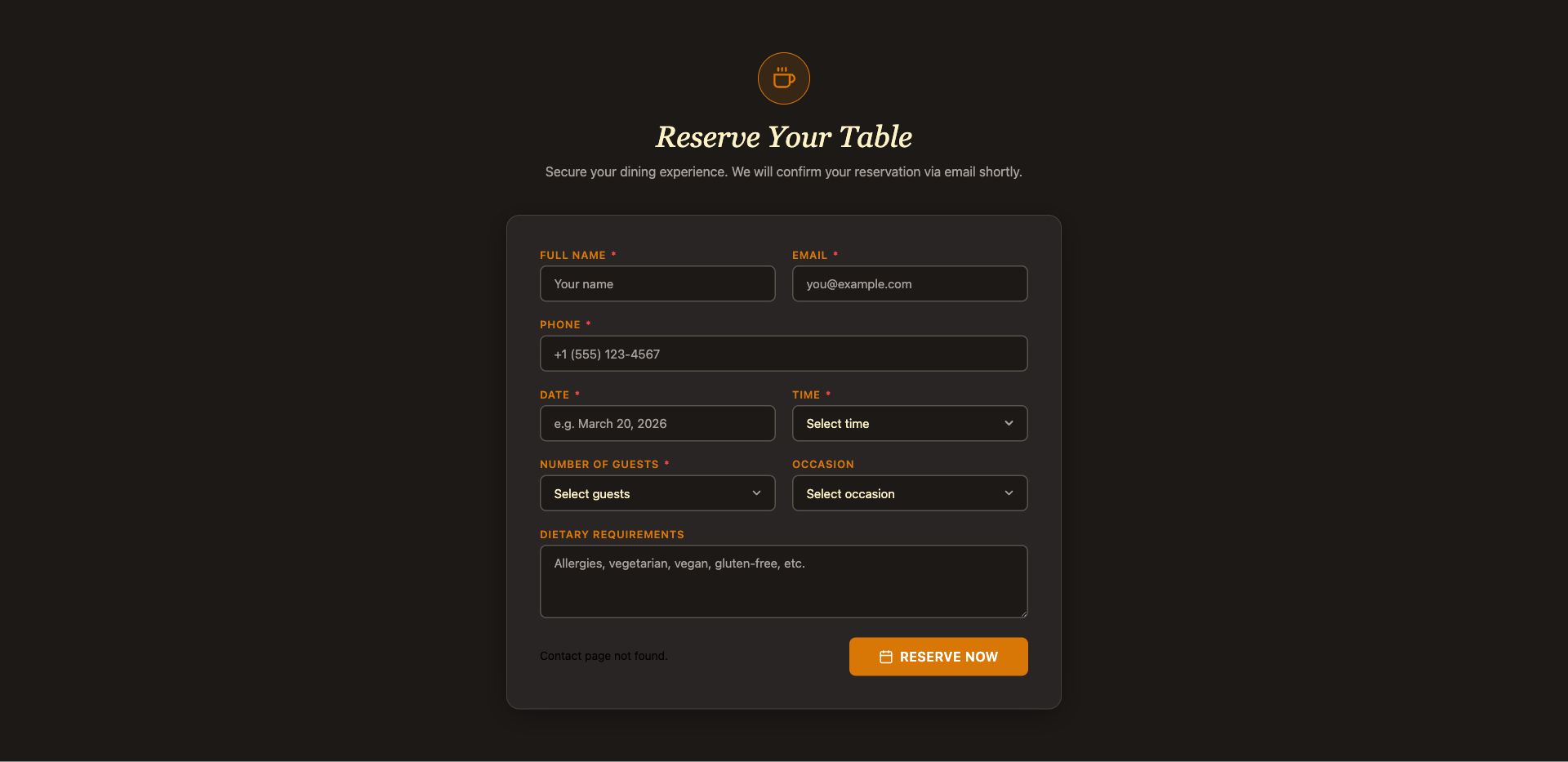
Restaurant Reservation Form
Dining reservation with party size, date/time, seating preference, dietary restrictions, and special occasions.
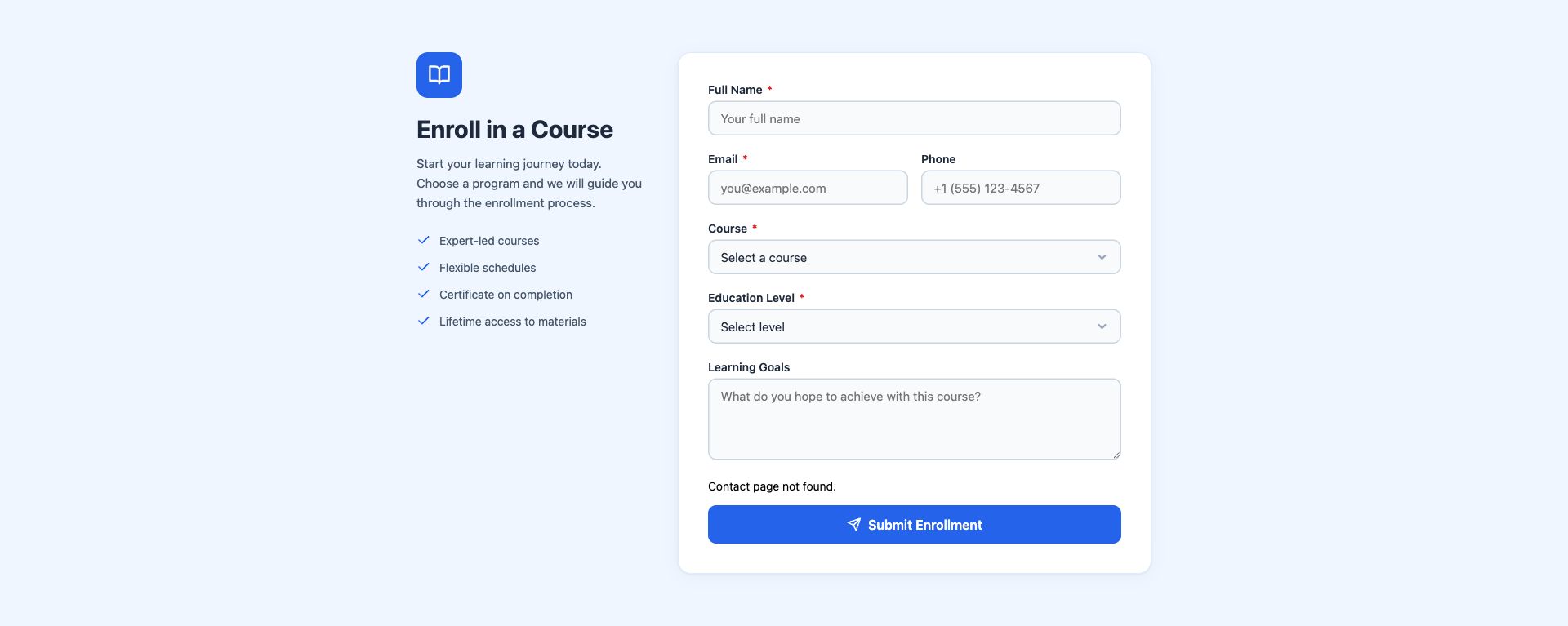
Course Enrollment Form
Education enrollment with student info, course selection, experience level, and learning goals.
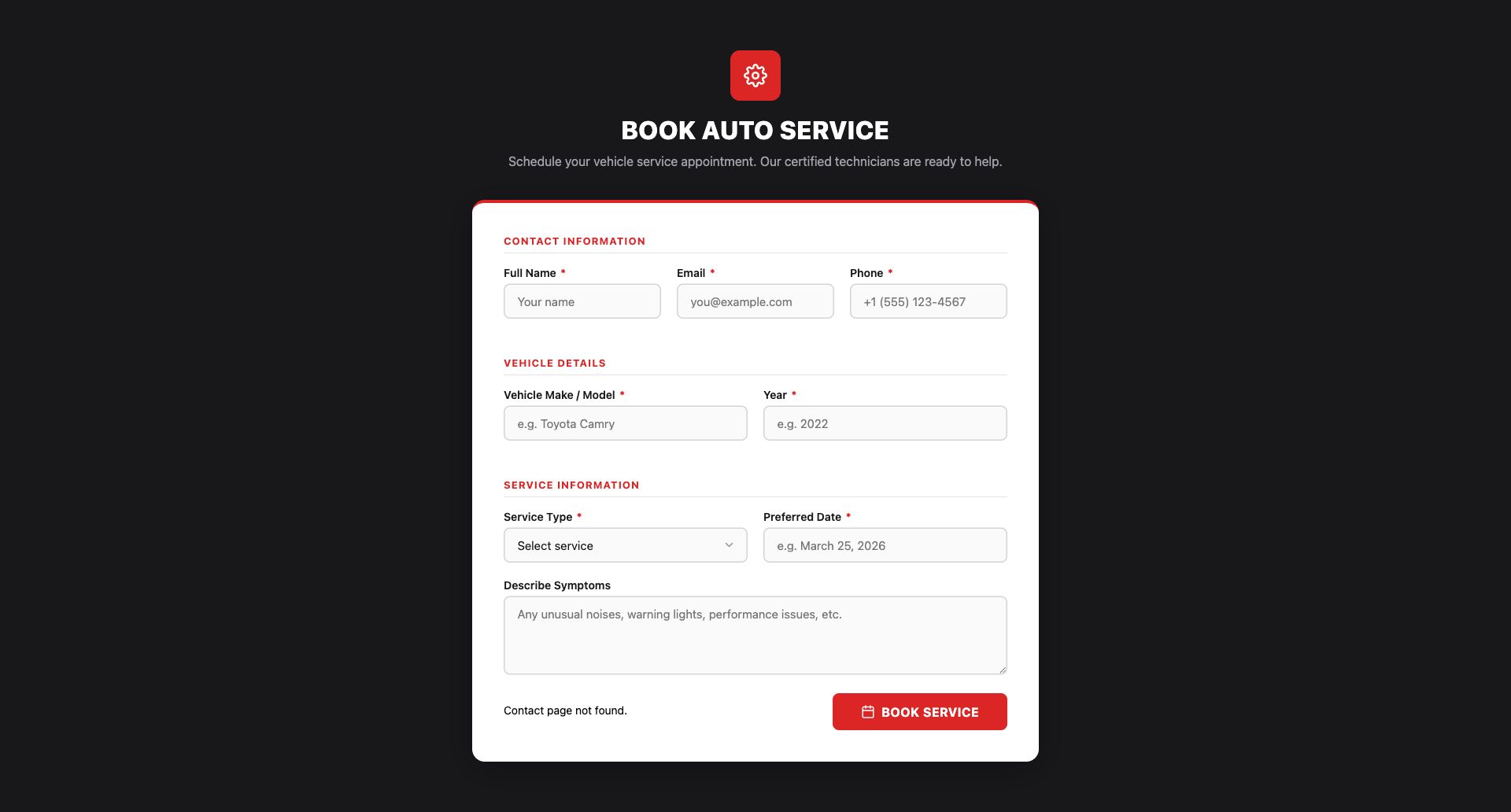
Auto Service Booking Form
Automotive service scheduling with vehicle details, service type, preferred date, and issue description.
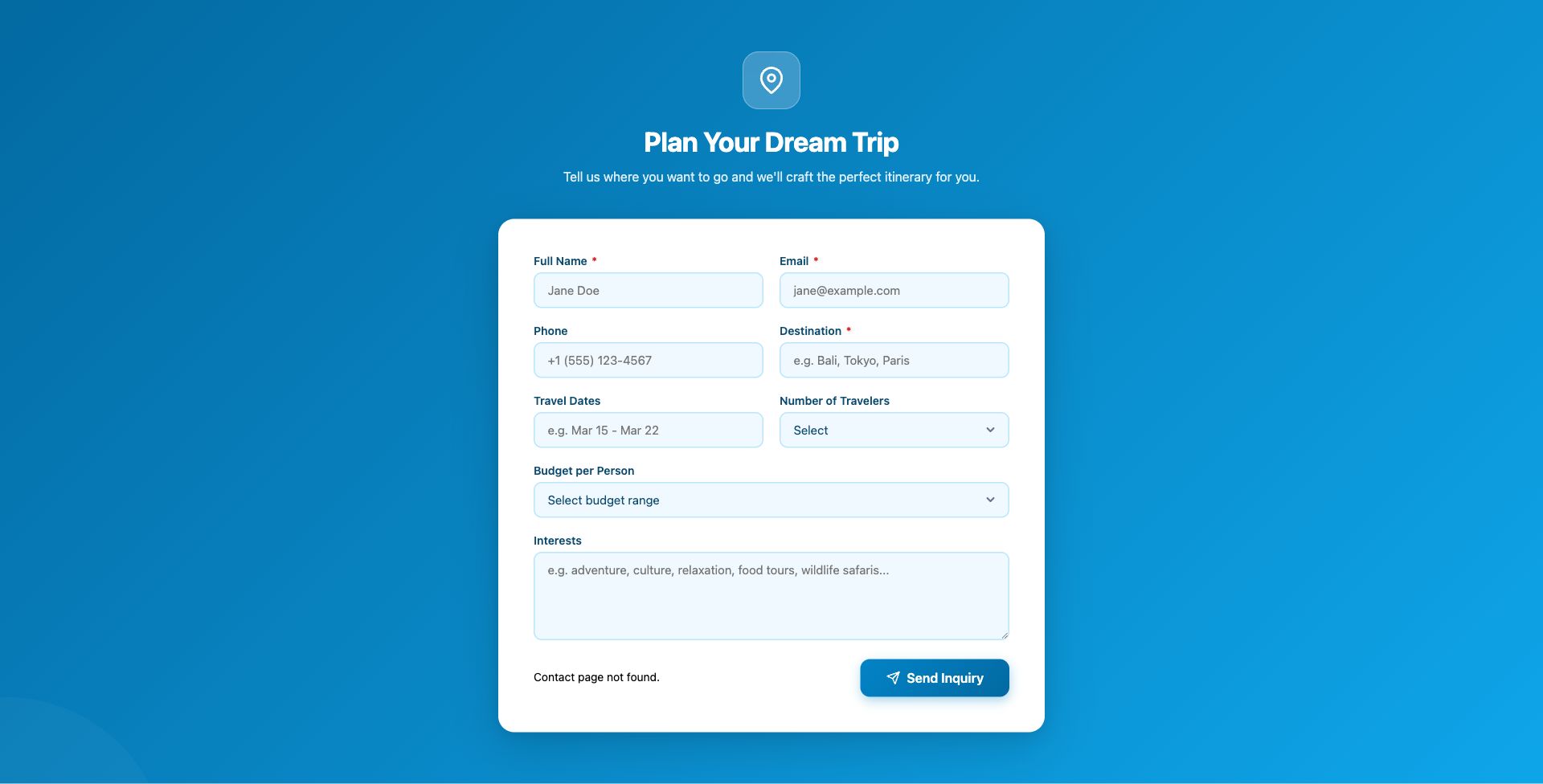
Travel Trip Inquiry Form
Travel inquiry with destination, travel dates, number of travelers, budget, and trip preferences.
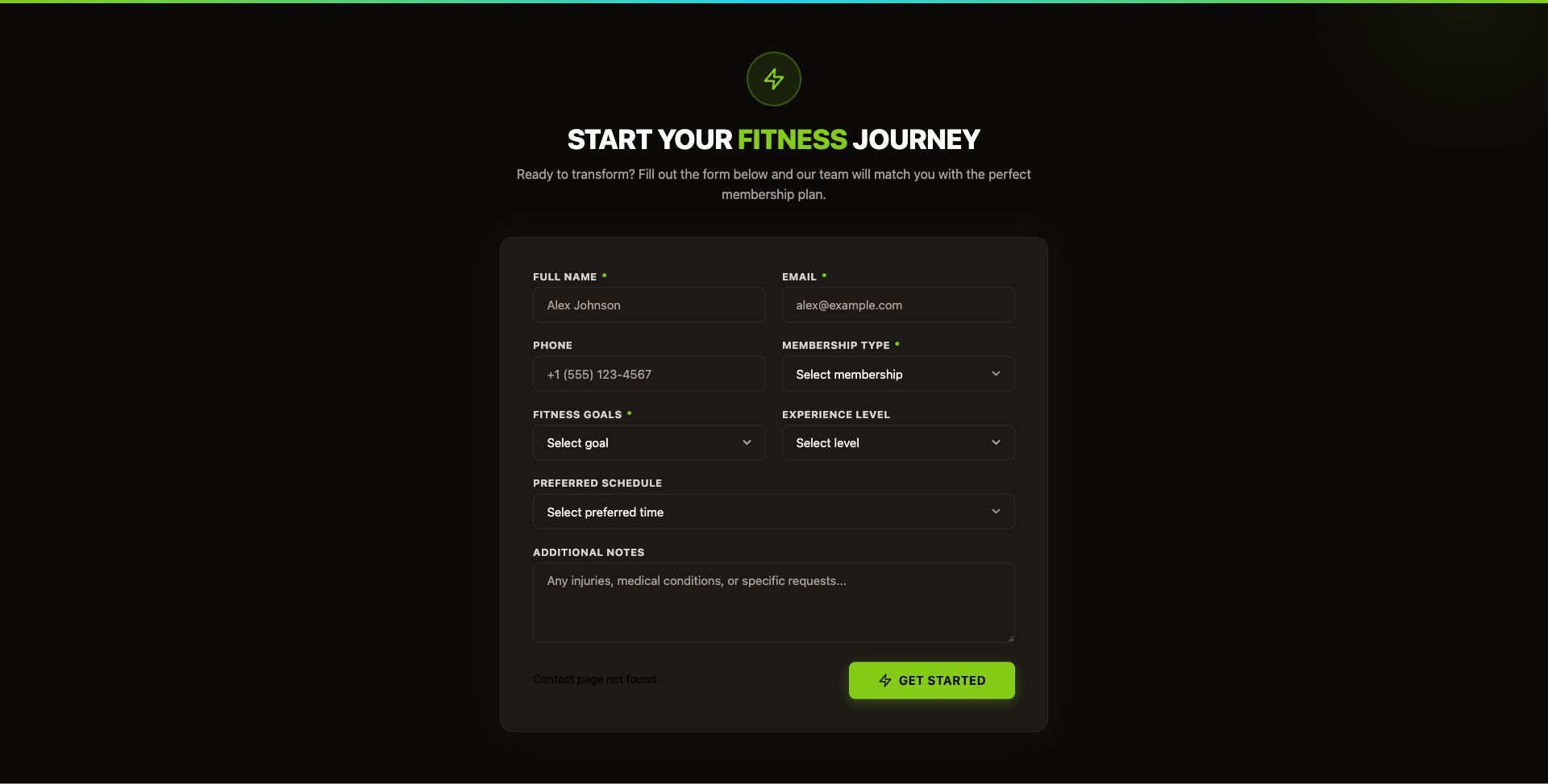
Fitness Membership Form
Gym membership inquiry with fitness goals, experience level, preferred schedule, and membership tier.
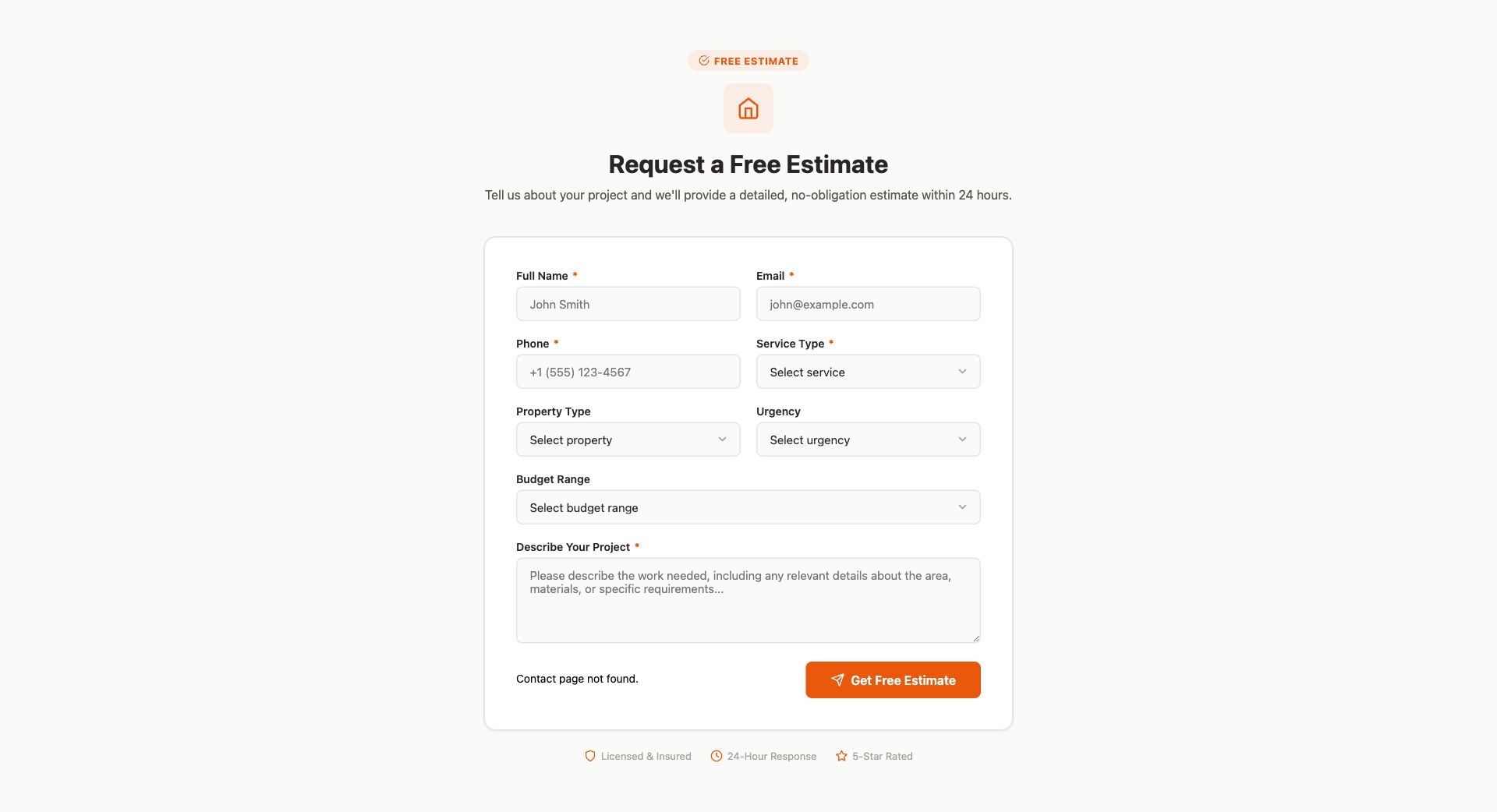
Home Services Estimate Form
Free estimate request for home services with property type, service needed, urgency, and budget range.
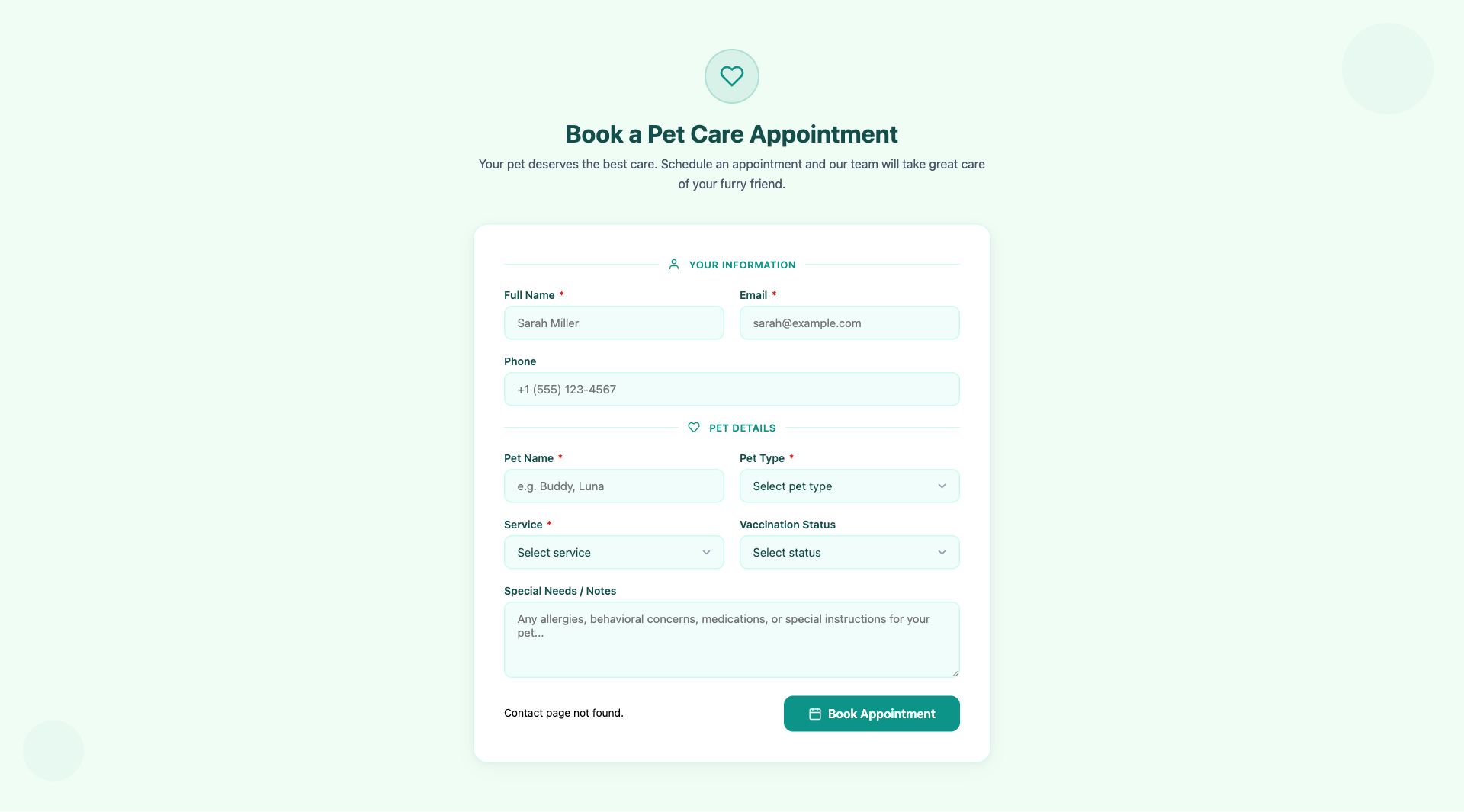
Pet Care Appointment Form
Pet care booking with pet details, service type (vet, grooming, boarding), vaccination status, and special needs.
Popup Templates
22 conversion-focused popup templates for promotions, lead capture, compliance, and customer engagement. Each popup includes built-in triggers (timer delay, exit intent, or click), dismiss/remember logic with localStorage, and responsive design across all devices.
Marketing & Promotions
Drive sales with urgency-based promotional popups.
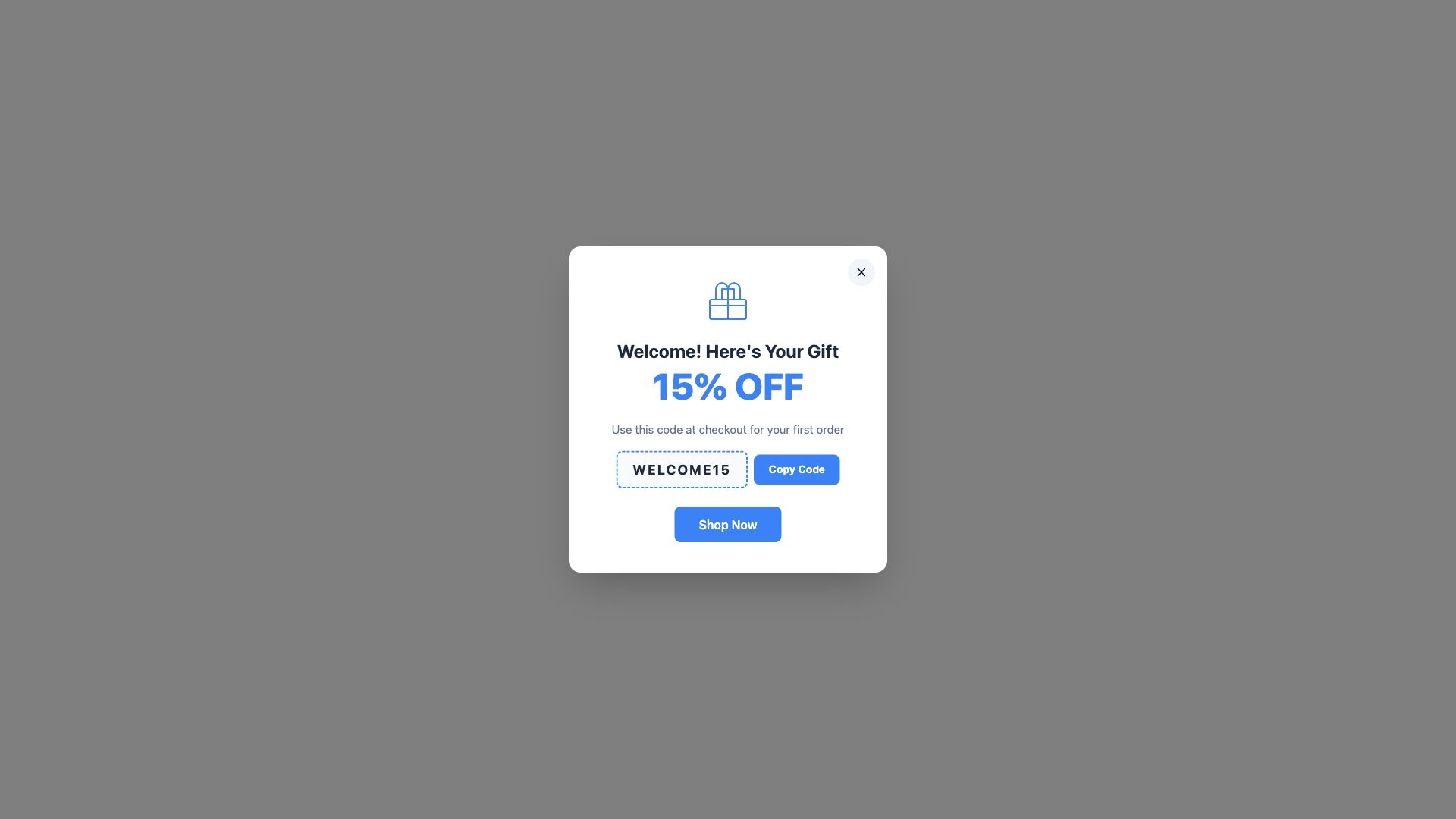
Welcome Discount Popup
First-time visitor welcome with discount code and one-click copy-to-clipboard. Timer-triggered modal with backdrop overlay.
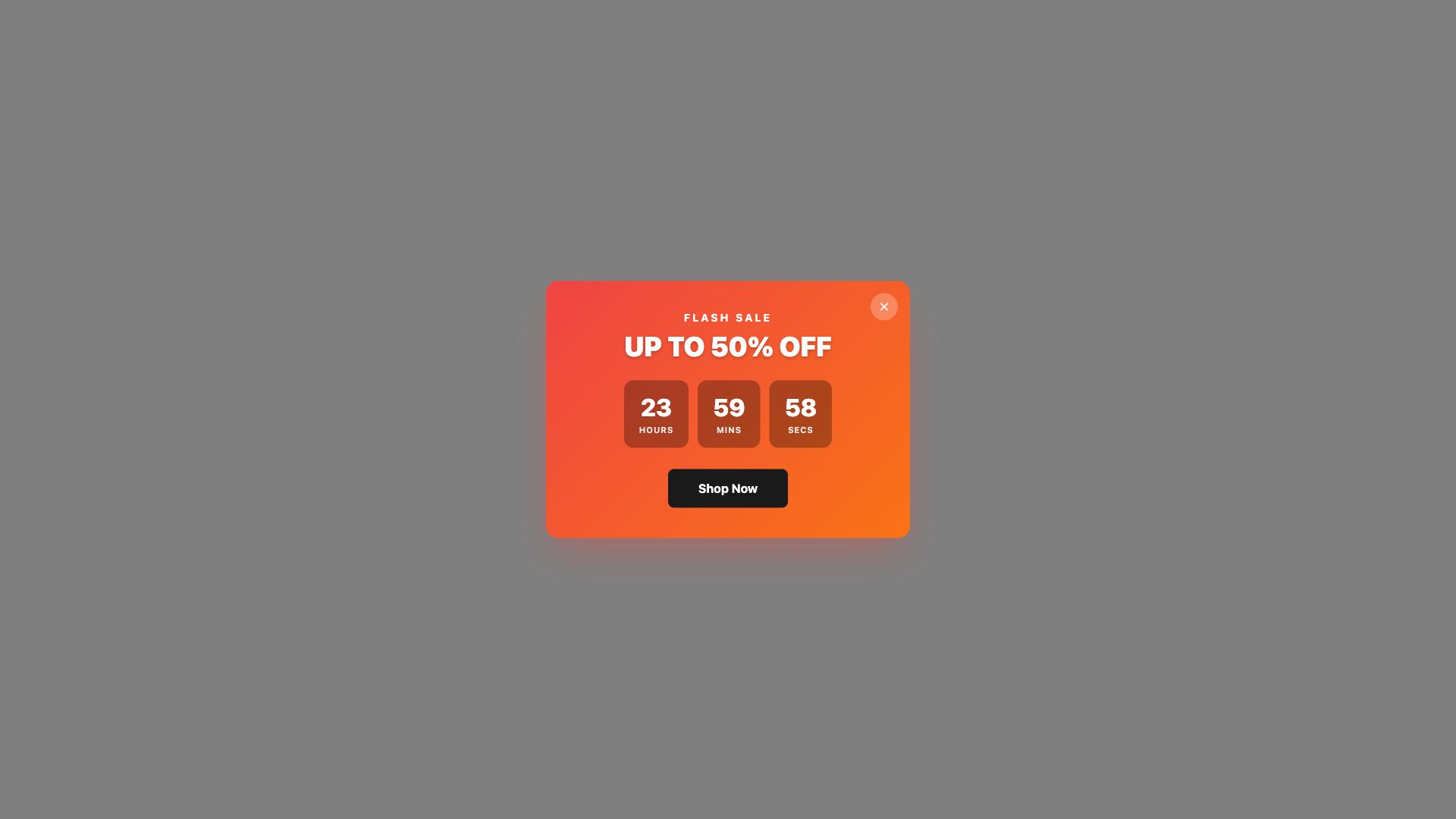
Flash Sale Countdown Popup
Live countdown timer creating urgency for limited-time offers. Dynamic days/hours/minutes/seconds display.
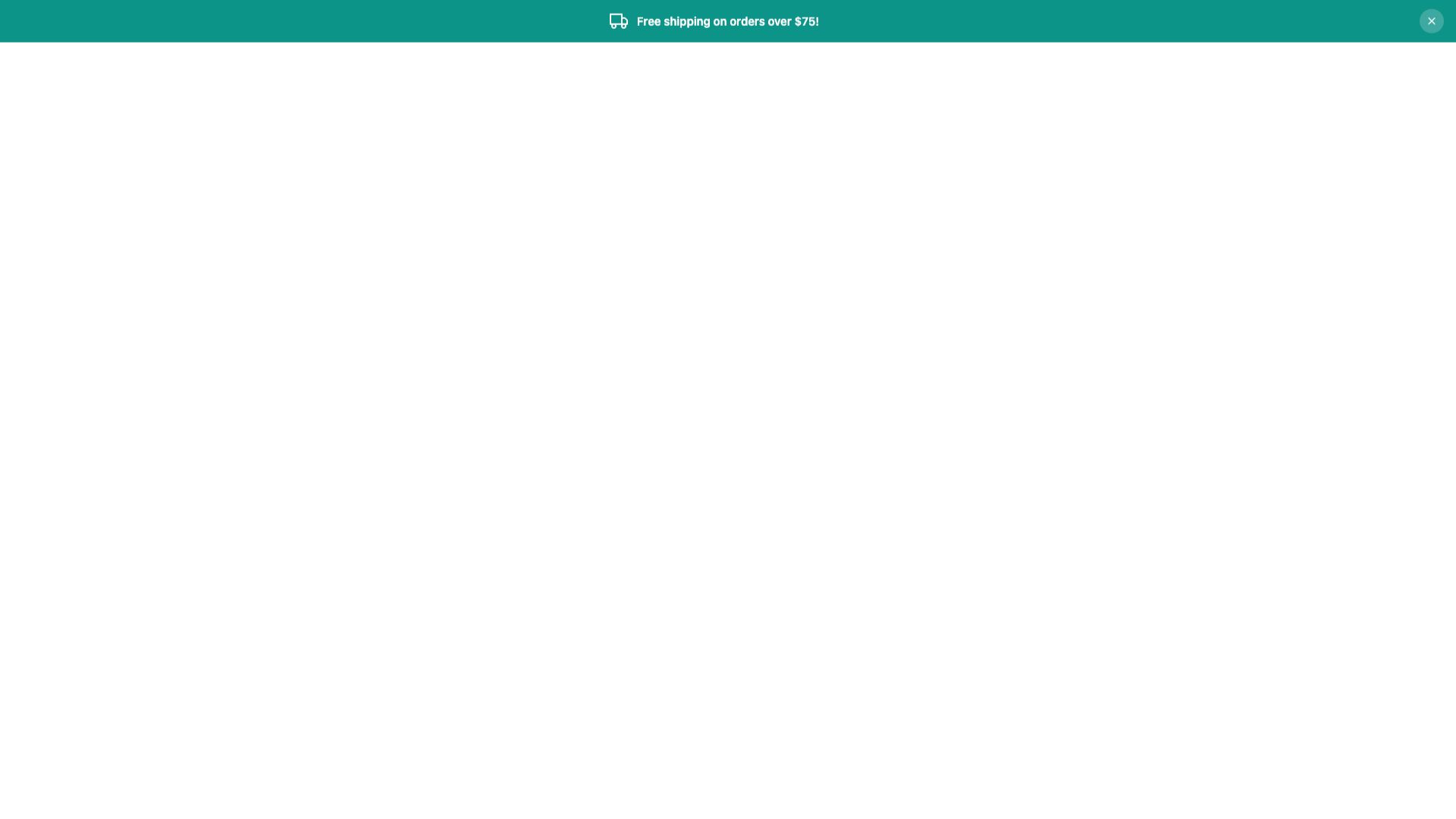
Free Shipping Bar
Floating top bar announcing free shipping threshold. Non-intrusive notification that stays visible during browsing.
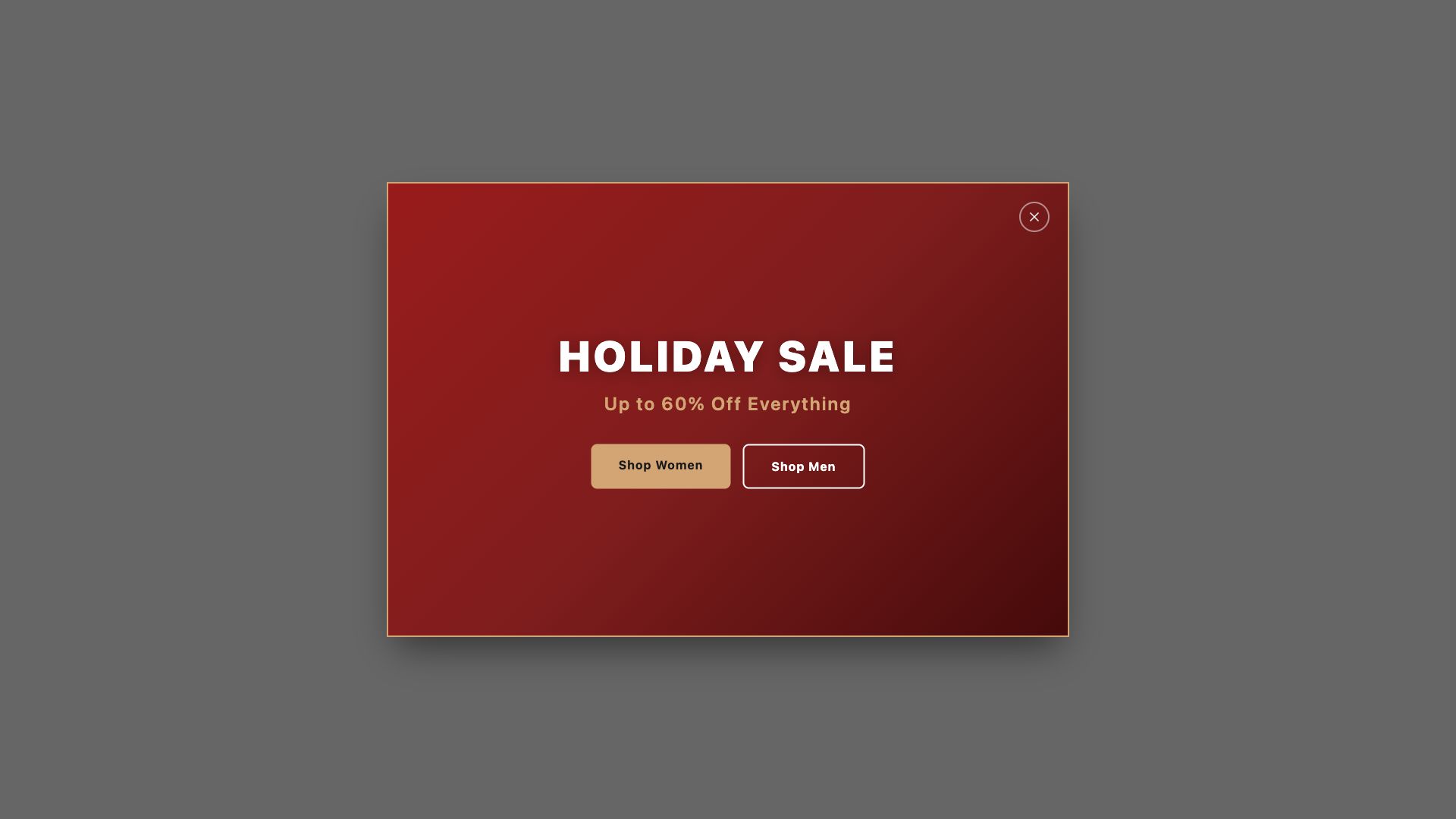
Seasonal Promo Popup
Fullscreen takeover for major seasonal campaigns — Black Friday, Christmas, summer sales. High-impact visual design.
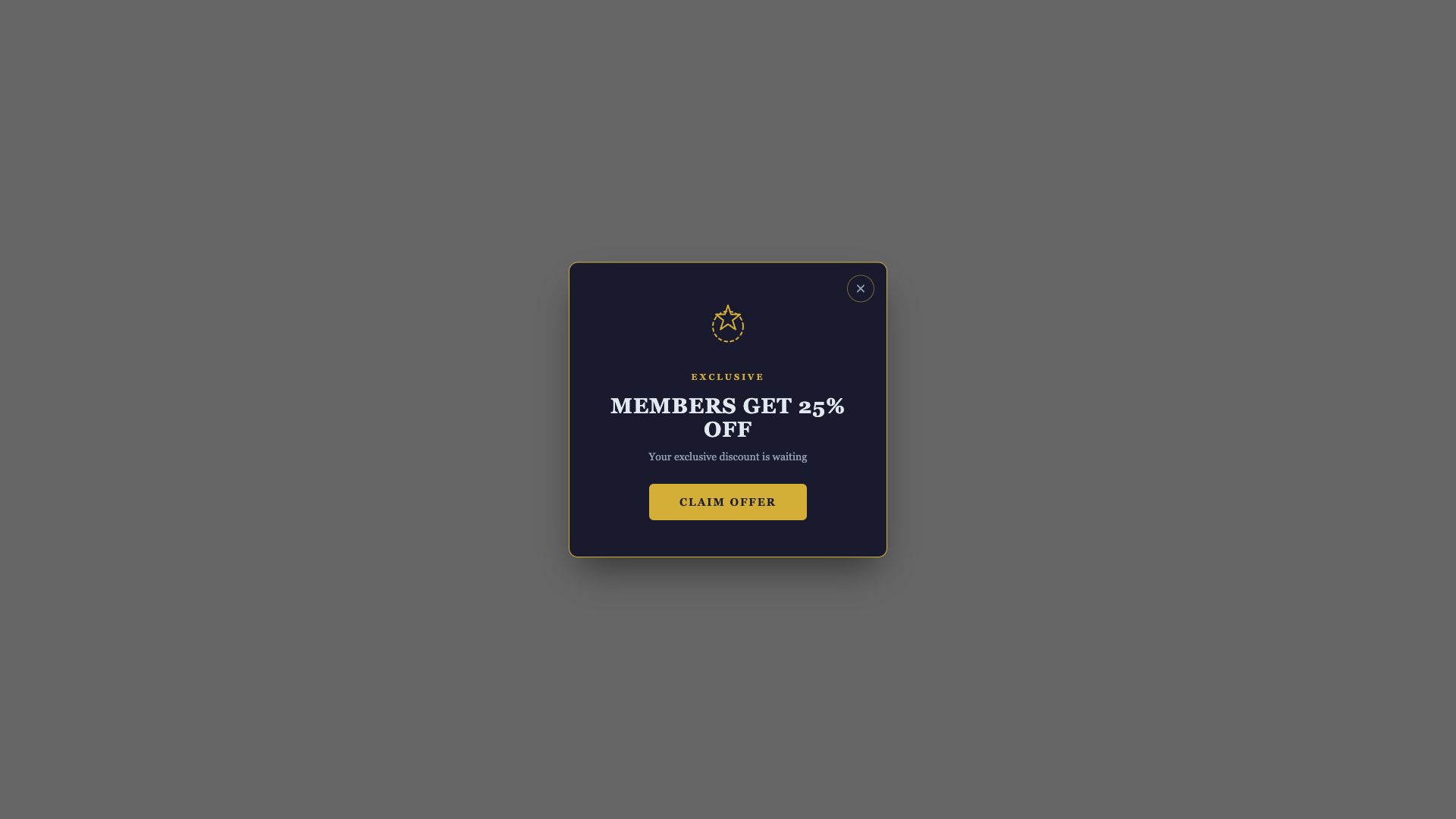
Exclusive Member Deal
VIP member-only offer with premium gold-accent design. Creates exclusivity and rewards loyal customers.

Limited Stock Urgency
Slide-in notification showing low stock count. FOMO-driven design to accelerate purchase decisions.
Lead Capture & Newsletter
Grow your email list and capture leads with engaging signup forms.
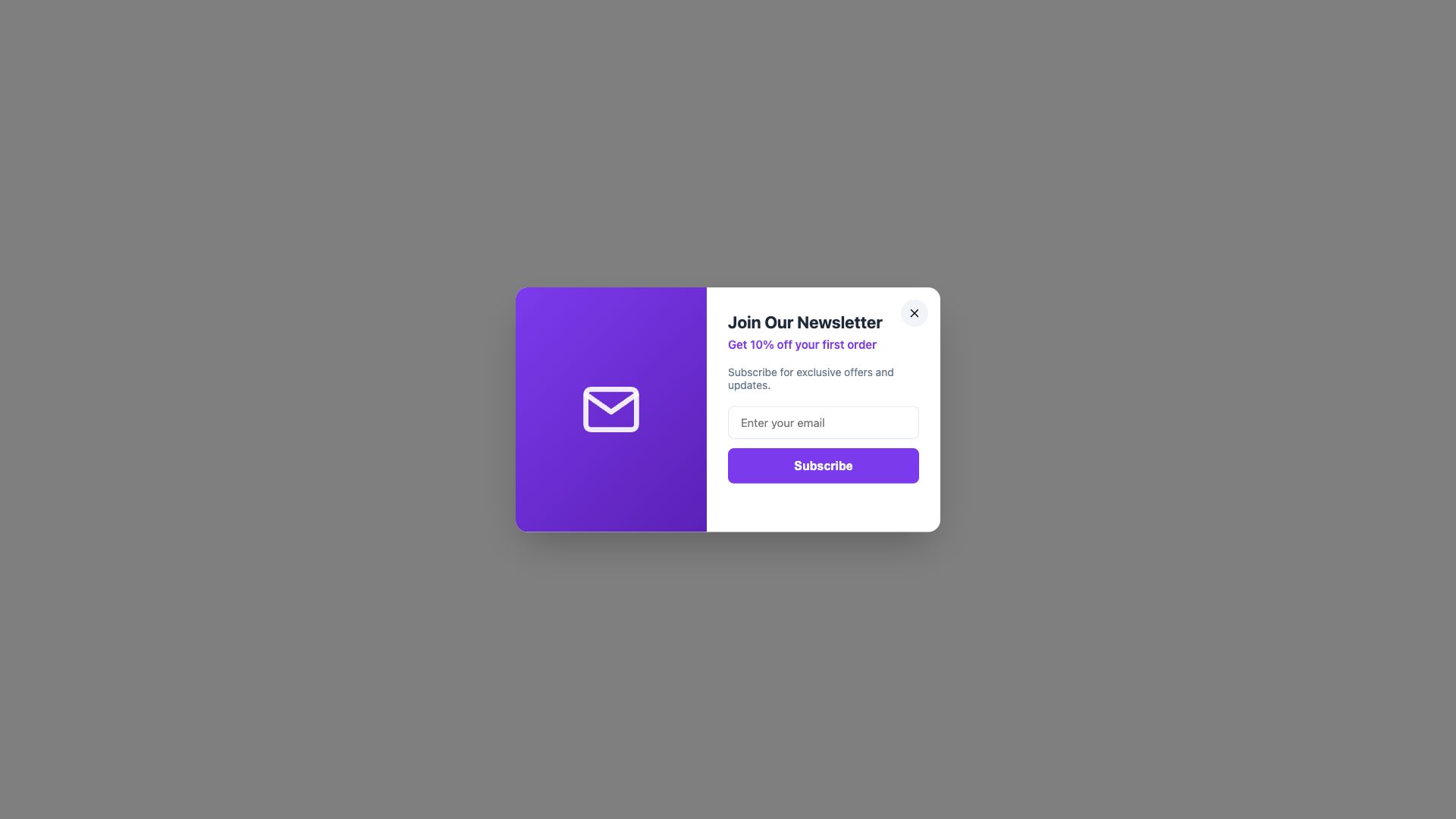
Newsletter Signup Popup
Email subscription popup with incentive offer. Integrates with BigCommerce Storefront Subscribers API.
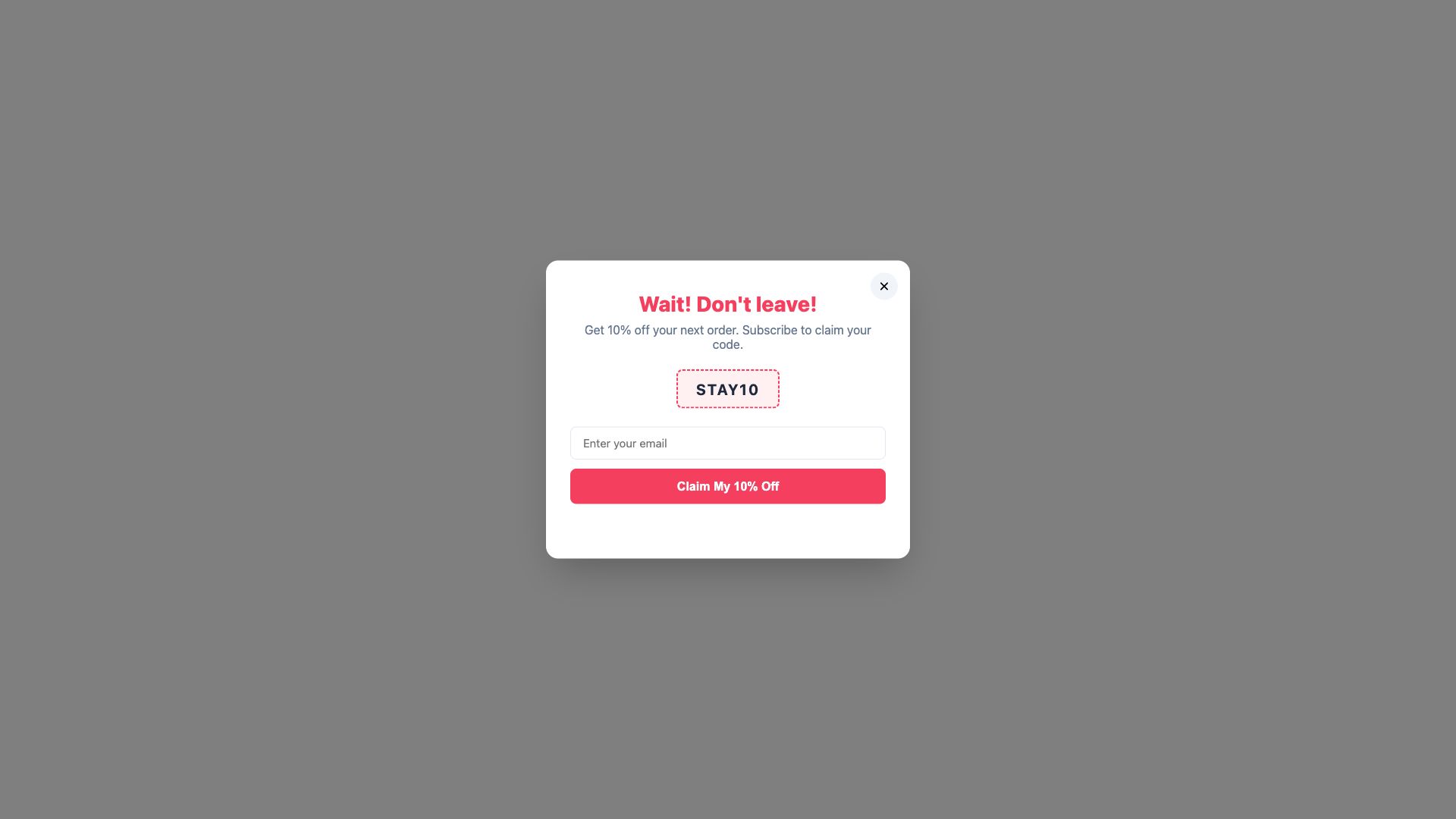
Exit Intent Offer
Triggered when visitors move to leave the page. Last-chance discount to retain potential customers.
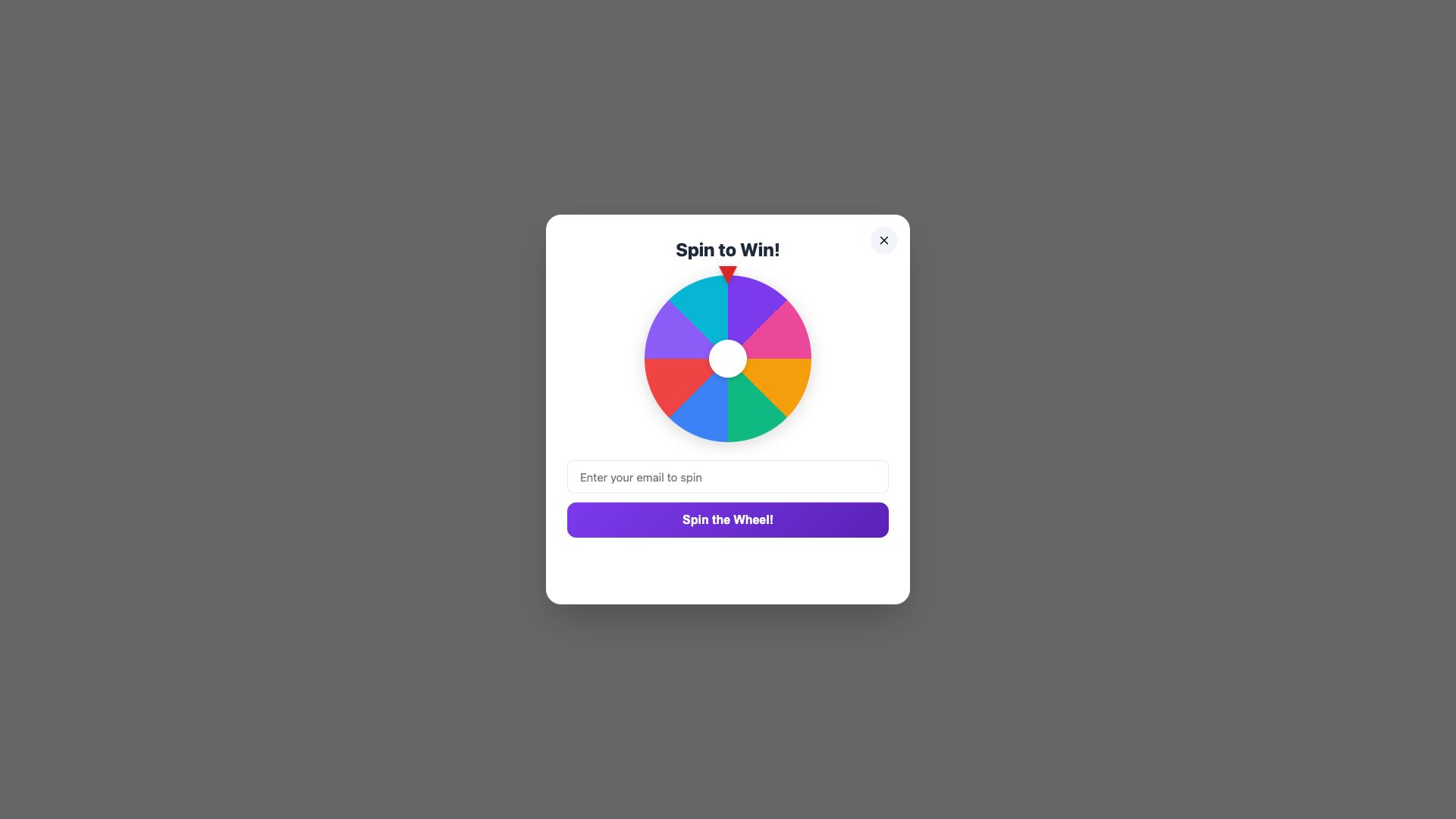
Spin to Win
Gamified wheel popup where visitors spin to reveal discount codes. Fun, interactive lead capture with high engagement.
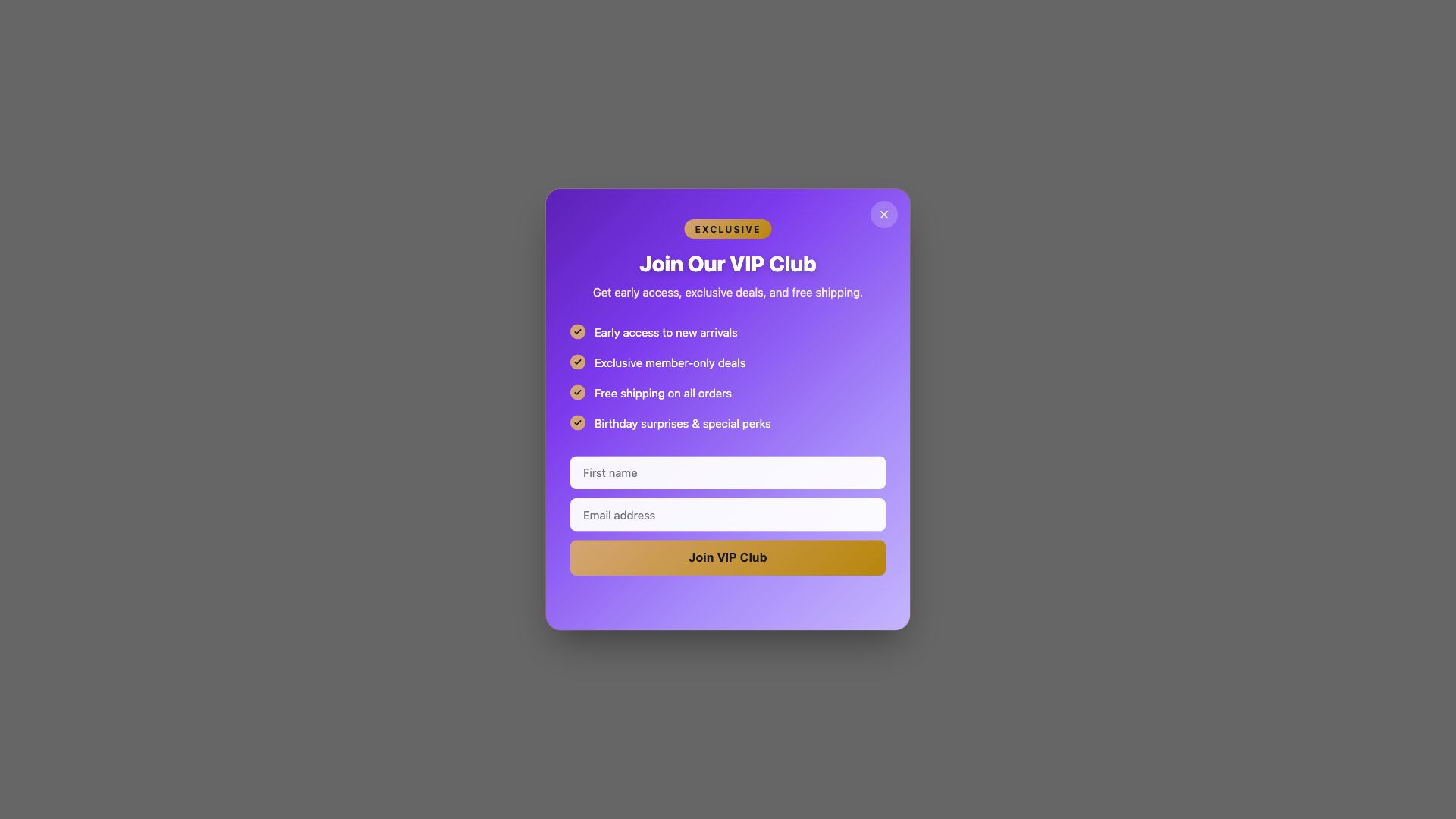
VIP Club Signup
Exclusive club registration with benefits list. Premium design that makes visitors feel valued for joining.
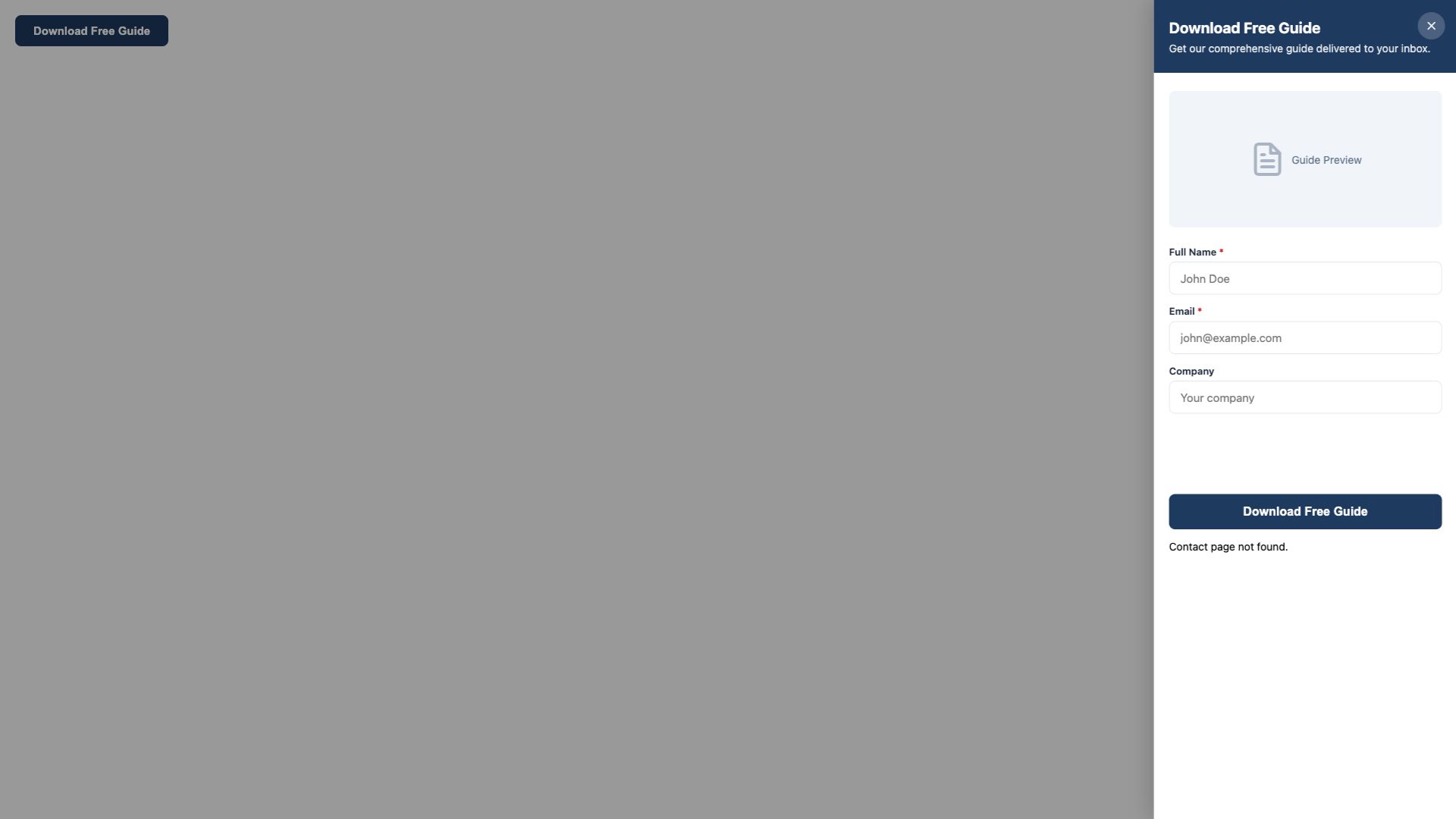
Content Download
Lead magnet popup for ebooks, guides, or catalogs. Slide-in format with email capture before download.
Compliance & Information
Meet legal requirements and inform customers with professional notice popups.
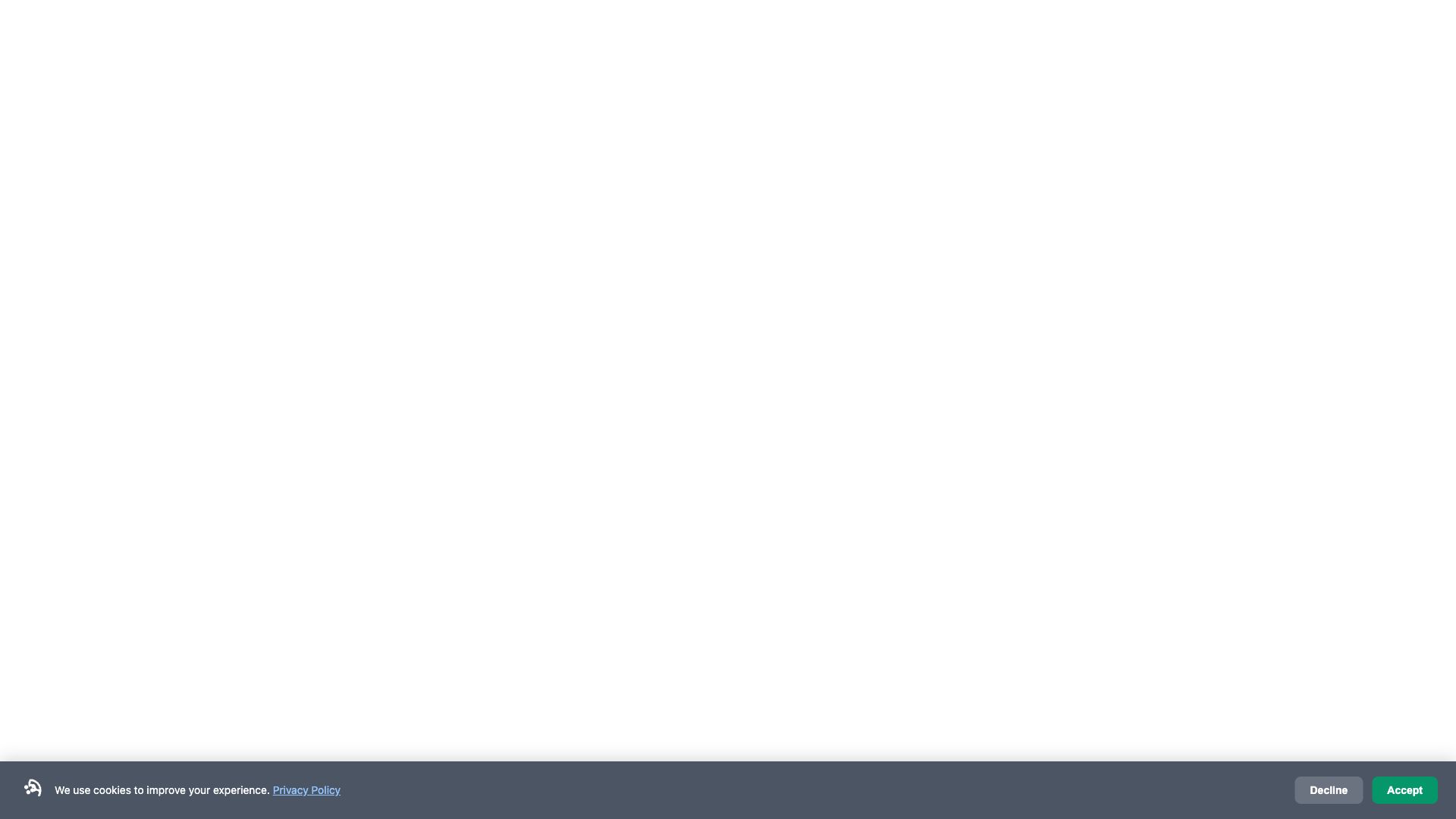
Cookie Consent Banner
GDPR-compliant cookie notice with accept/decline options. Bottom bar format with privacy policy link.
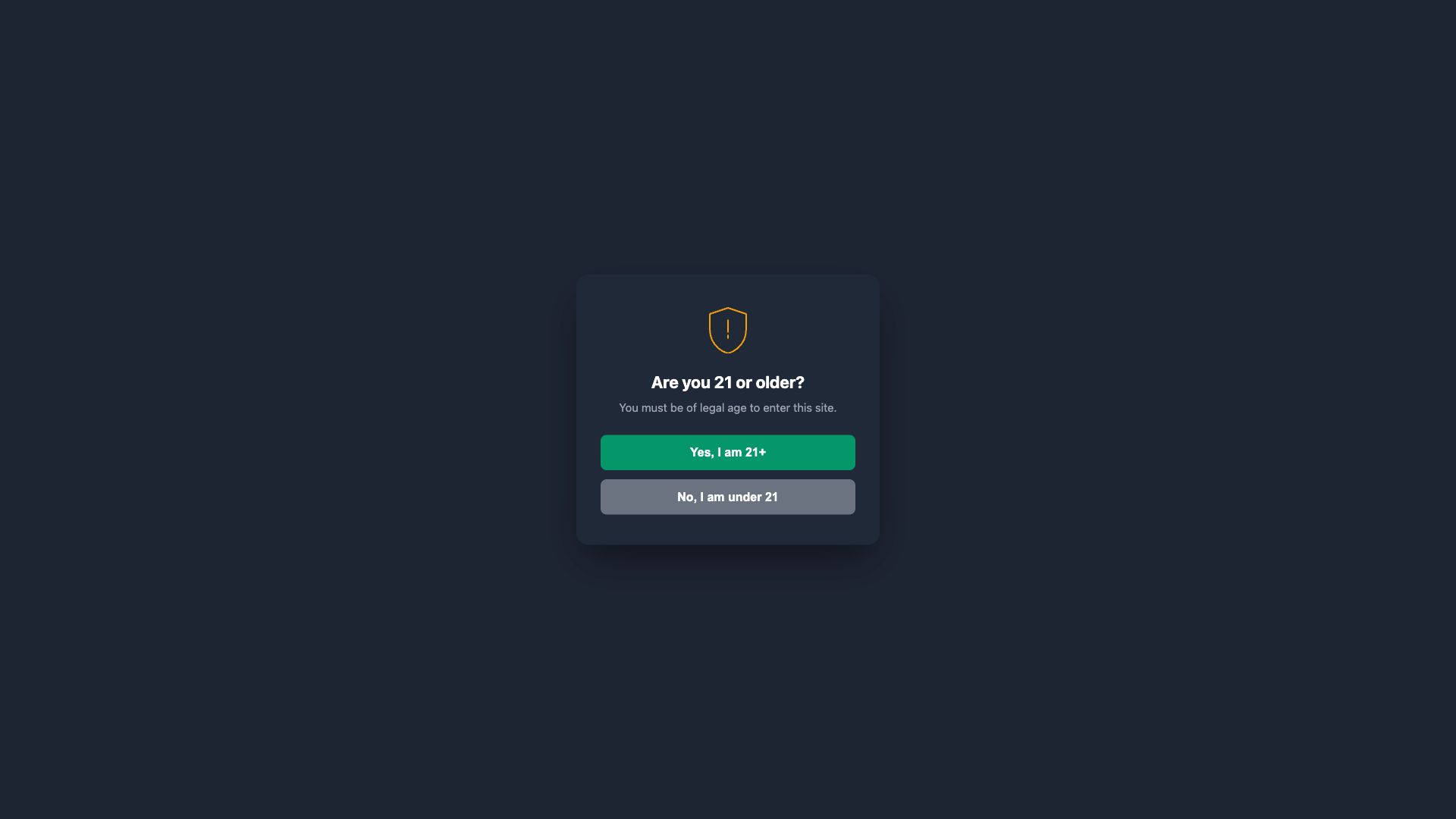
Age Verification Gate
Full-screen age gate for restricted products (alcohol, tobacco). Blocks page access until verified.

Announcement Banner
Top bar for store-wide announcements — maintenance notices, policy updates, shipping delays, or news.
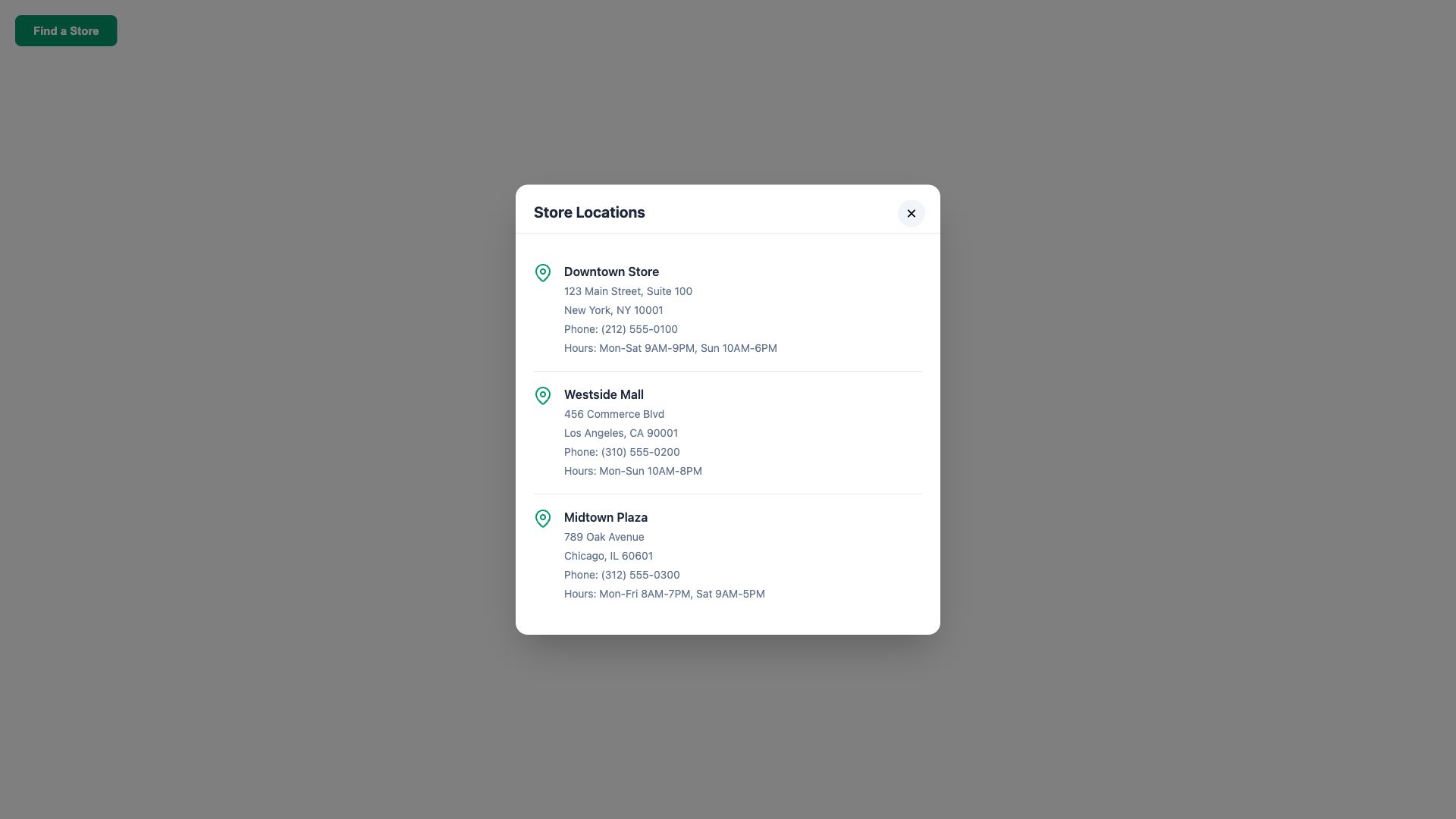
Store Locator
Location selector modal with store addresses, hours, and directions. Helps customers find nearby stores.
Social & Engagement
Build community and drive engagement through social interaction popups.

Social Follow Prompt
Slide-in popup with social media icons encouraging followers. Supports Instagram, Facebook, Twitter, TikTok.
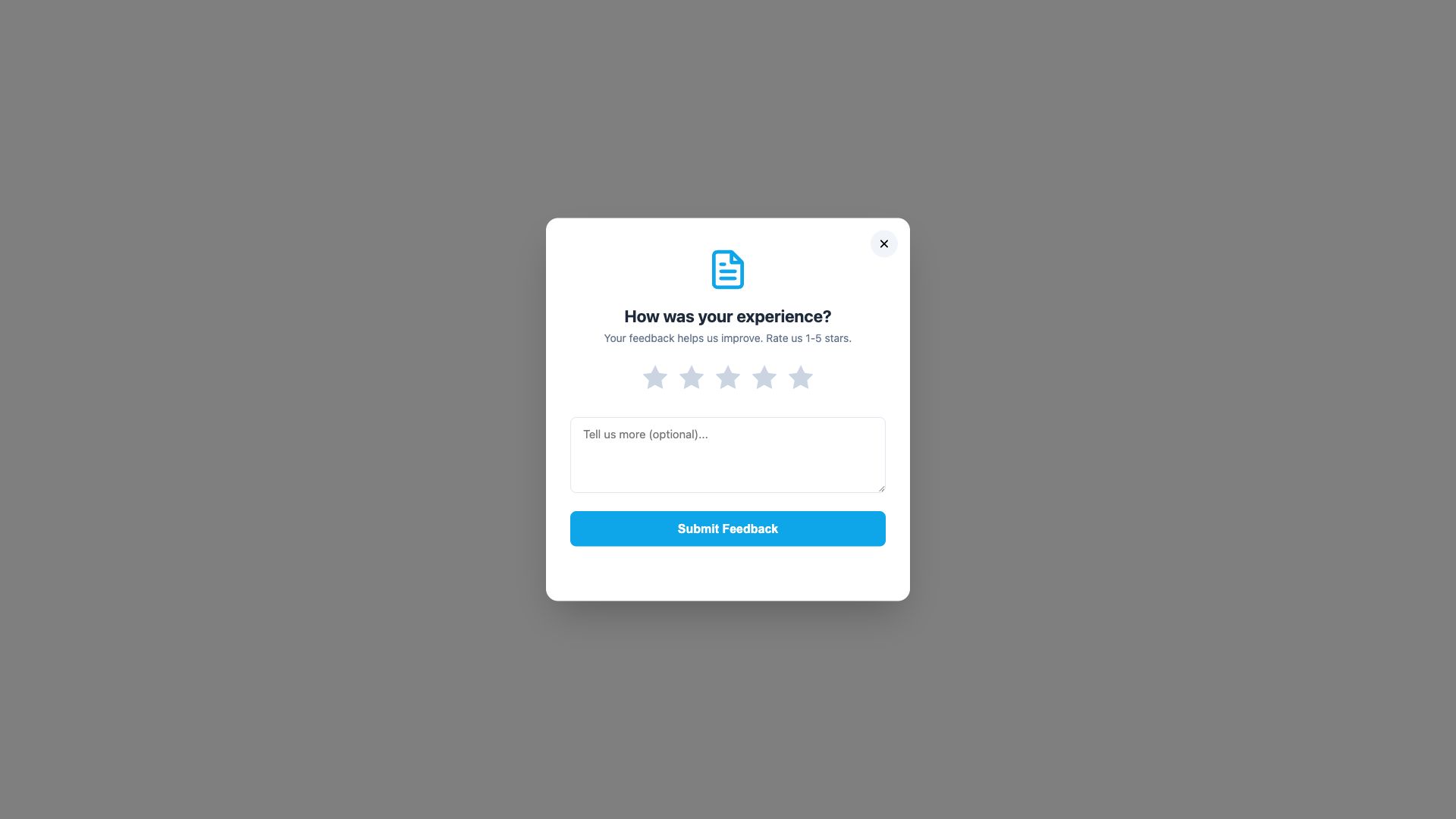
Customer Survey
Satisfaction survey with rating scale and feedback form. Collects actionable insights from customers.
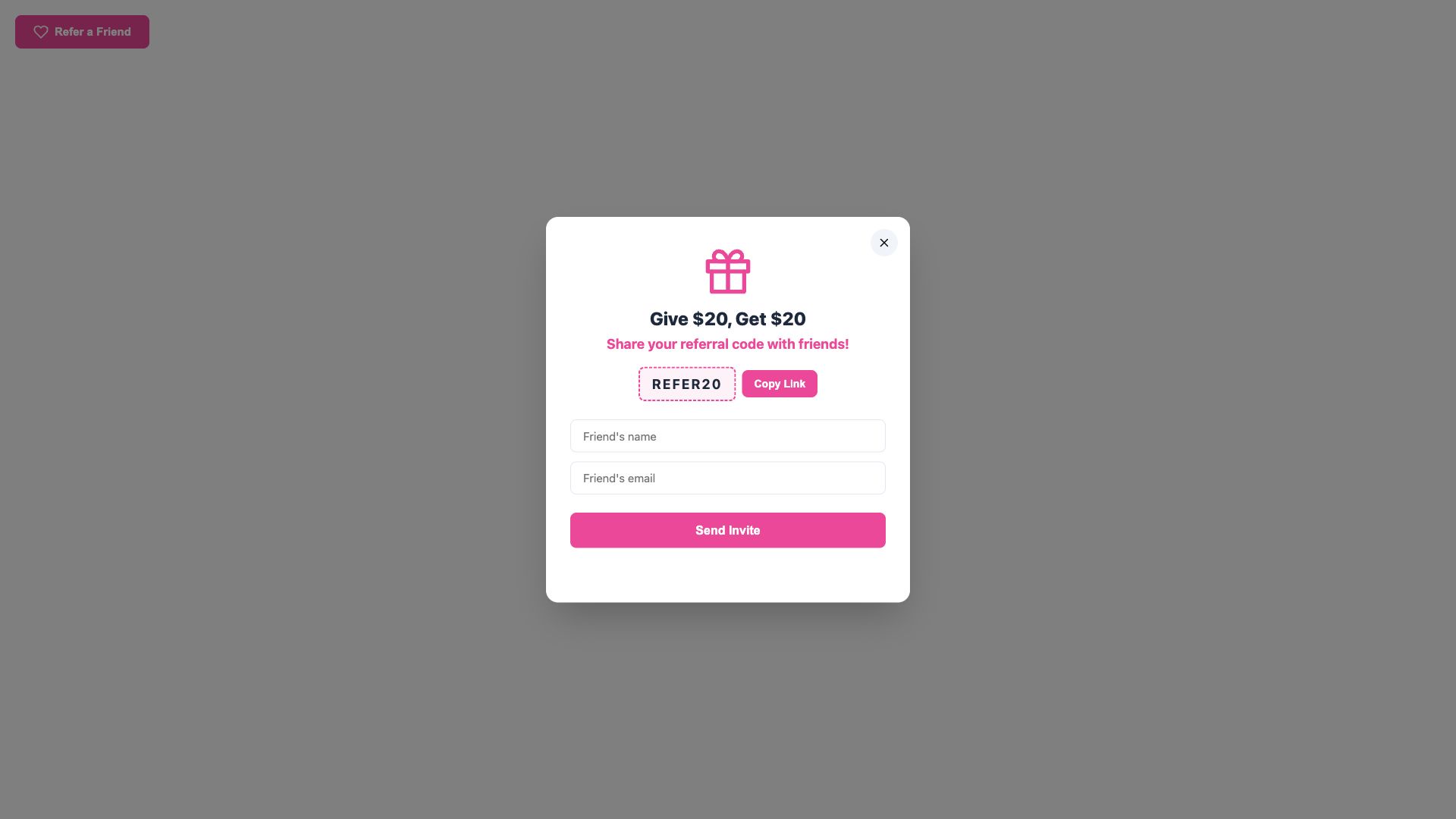
Referral Program
Invite-a-friend popup with shareable link and email sharing. Reward-based referral system to grow your audience.
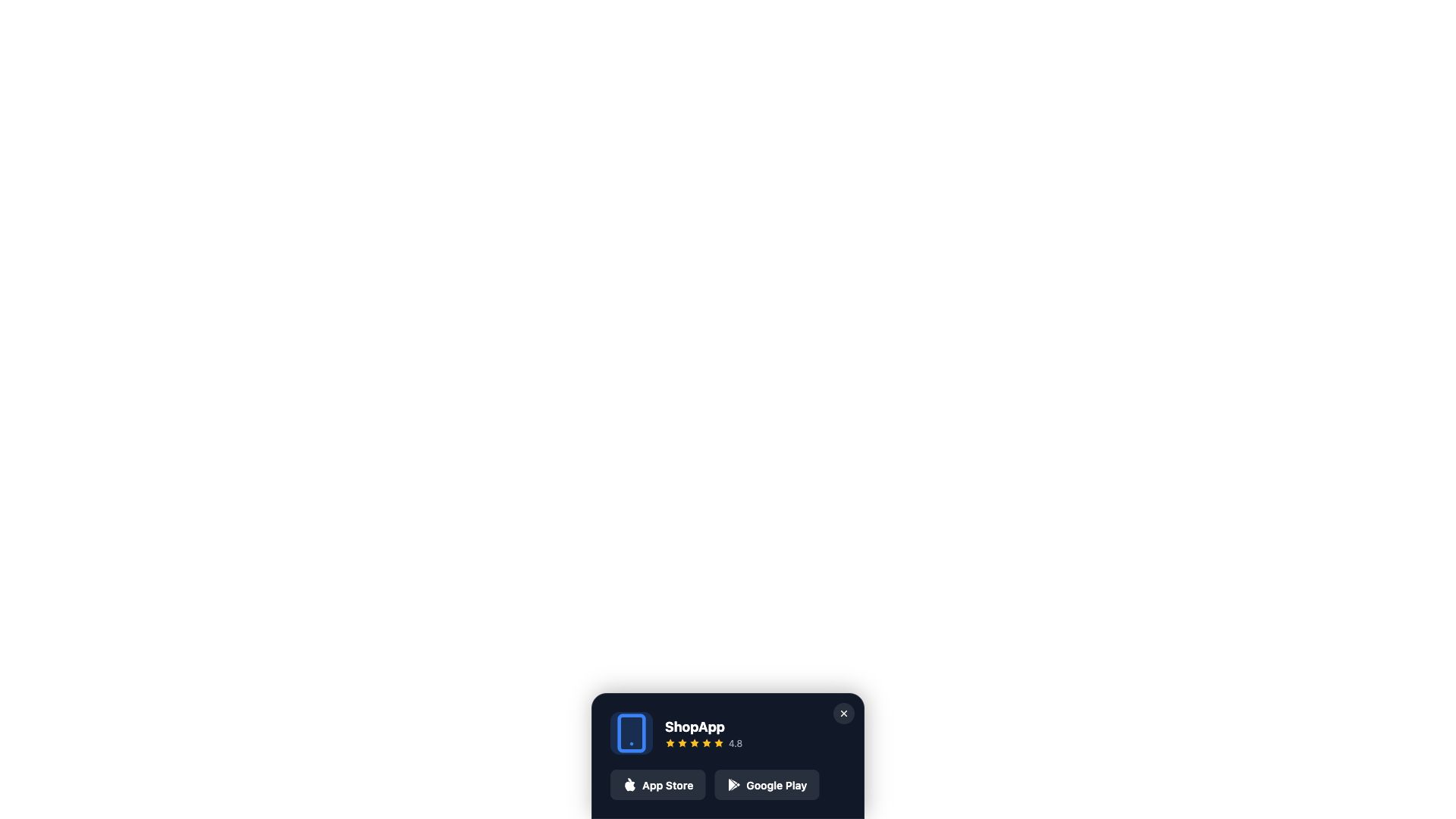
App Download Prompt
Mobile app promotion slide-in with App Store and Google Play badges. Targets mobile visitors.
eCommerce-Specific
Purpose-built popups for common eCommerce scenarios.

Cart Reminder
Exit-intent cart abandonment popup reminding visitors of items in their cart. Reduces abandoned checkouts.
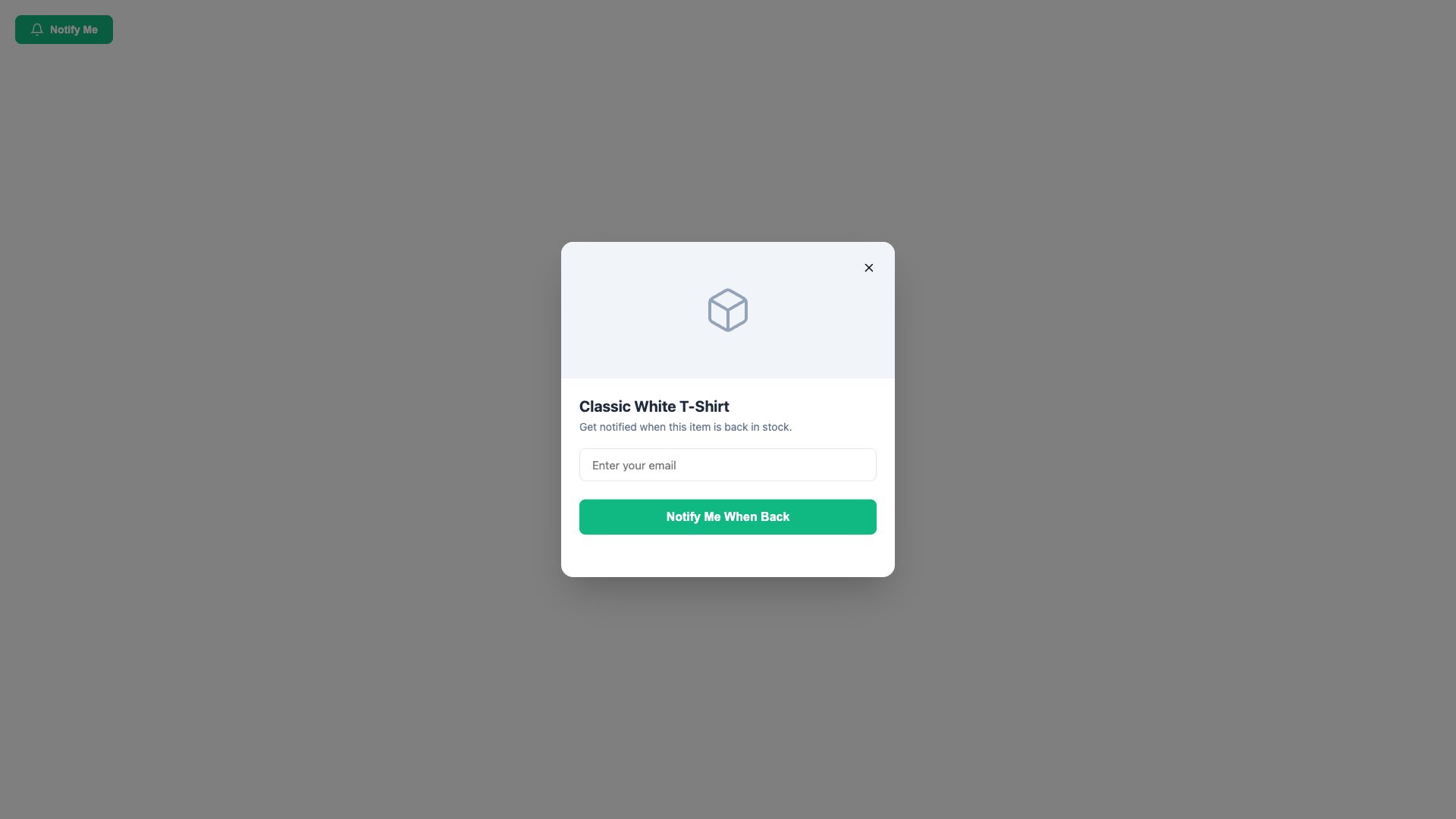
Back in Stock Alert
Email notification signup for out-of-stock products. Captures demand and notifies customers when items return.
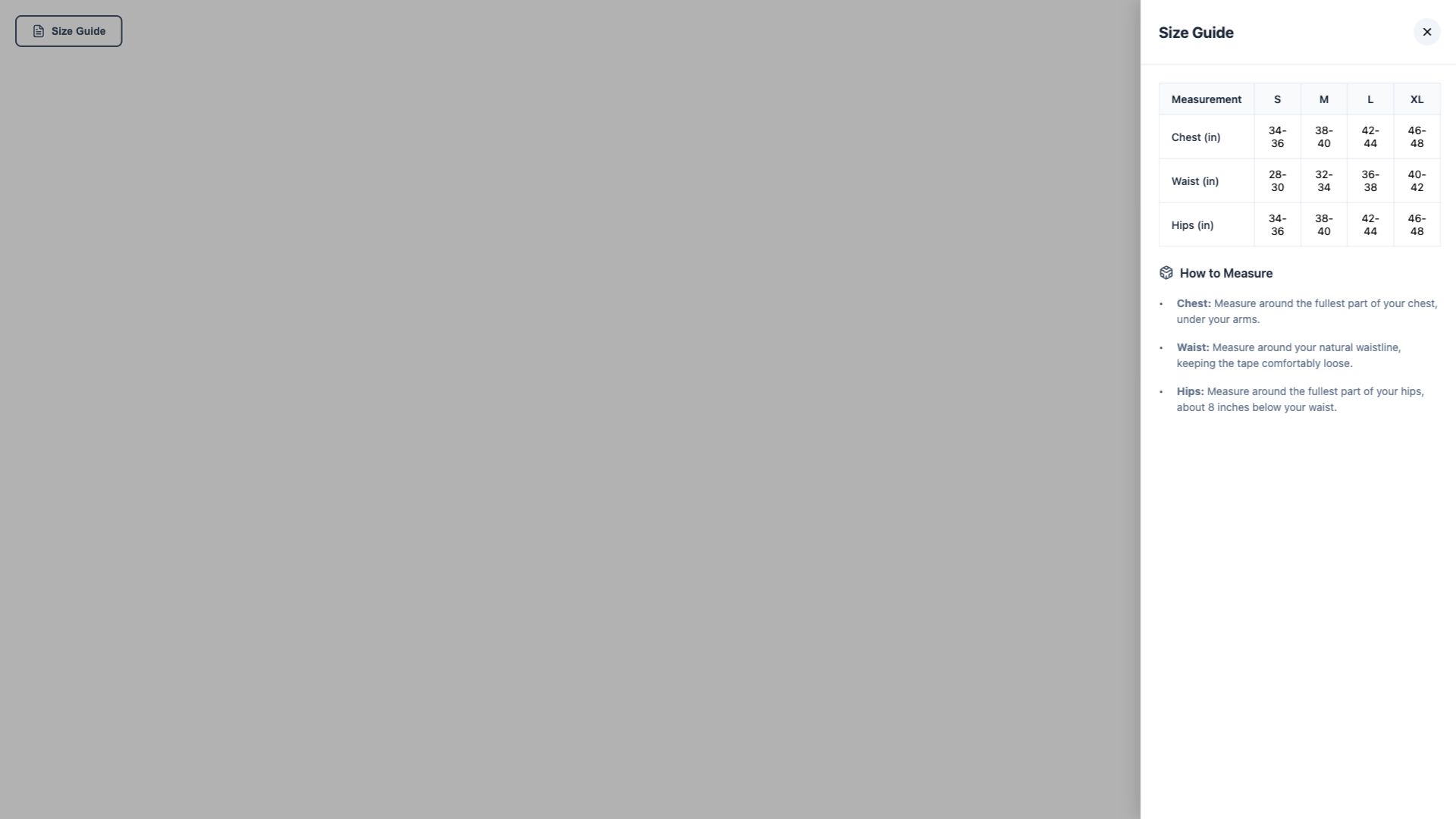
Size Guide
Product size chart reference popup with measurement tables. Reduces returns by helping customers choose the right size.
Customizing Templates
After applying any template, use the AI chatbot to customize it. Here are some common requests:
- "Change the background color to #1a1a2e"
- "Replace the placeholder text with our store's actual shipping policy"
- "Update the discount code to SUMMER25"
- "Change the popup trigger to show after 10 seconds instead of 5"
- "Add our logo to the popup header"
- "Make the form submit to a different email address"
Tip
Templates are a starting point. The AI can modify any aspect — colors, fonts, layout, text, images, timing, behavior, and more. Describe what you want and the AI will update the code.
Popup Trigger Types
Popup templates support three trigger types. You can ask the AI to change the trigger after applying a template.
| Trigger | How It Works | Best For |
|---|---|---|
| Timer Delay | Popup appears after a set number of seconds (default: 3-5s) | Welcome offers, announcements |
| Exit Intent | Popup appears when the visitor's mouse moves toward the browser's close/back button | Last-chance offers, cart reminders |
| Click | Popup appears when a specific button or link is clicked | Size guides, store locators |
All popups include dismiss memory — once a visitor closes the popup, it won't appear again during their session (stored in localStorage).